How to Generate AI Images: A Step-by-Step Guide
The advent of artificial intelligence has brought about a revolution in various creative domains, with the generation of AI images being one of the most fascinating developments. AI image generators are tools that employ neural networks to turn text descriptions into digital images. These tools harness the power of machine learning algorithms to interpret the user’s input and produce visually compelling and unique graphics that might otherwise be difficult or time-consuming to create. Users can spark their creativity by experimenting with different prompts, observing how the AI interprets their ideas and translates them into visual art.
Understanding how to generate AI images involves choosing a suitable AI image generator that aligns with one’s creative goals and technical requirements. These platforms range from highly intuitive systems designed for casual users to more complex frameworks that offer granular control for professionals. Creating AI-generated images is as simple as inputting a prompt and letting the generator work its magic, which often inspires users and boosts their confidence in exploring artistic avenues. However, it’s also important to be aware of the legal and ethical considerations, such as copyright and intellectual property rights, which can vary depending on the generated content and intended use.
Key Takeaways
- AI image generators transform text into digital images using neural network technology.
- The choice of AI image generator affects the ease of use and the quality of the resulting images.
- Creating with AI can expand creativity and inspire confidence while necessitating awareness of legal and ethical standards.
Understanding AI Image Generation
AI image generation has revolutionized the way we create visuals by harnessing deep learning algorithms and neural networks. This technology enables the generation of detailed and coherent images from textual descriptions.
Basics of AI and Image Generation
AI image generators are systems that produce visuals based on input data, using sophisticated deep learning algorithms. At their core, AI models employ neural networks to mimic the way the human brain operates. Generative models in AI are a specific subset designed to output new, unique data that’s similar to the data they were trained on. In image generation, these models learn to create images that can be indistinguishable from photographs taken by cameras or art made by humans.
Types of AI Image Generators
AI image generators primarily fall into a few categories:
- Generative Adversarial Networks (GANs): This type involves two neural networks—the generator and discriminator—that work against each other, hence ‘adversarial’. The generator creates images, while the discriminator evaluates them against a real dataset.
- Variational Autoencoders (VAEs): These use a different approach, encoding inputs into a lower-dimensional space and then reconstructing the output from this space.
- Diffusion models: A newer class where images are generated through a process that starts with noise and gradually refines it into a coherent image.
The choice between these types depends on the specific requirements of the image generation task.
How AI Image Generators Work
AI image generators understand text prompts by translating them into numerical representations through a Natural Language Processing (NLP) model, like CLIP. The process starts with the input—typically a textual description—and ends with an AI-generated image that corresponds to that description. The architecture of the underlying model, whether it’s a GAN, VAE, or another type of network, determines the specifics of how the image is generated. These models have been trained on large datasets of images and their associated data, allowing them to produce images ranging from realistic to fantastical.
Choosing an AI Image Generator
When selecting an AI image generator, one must consider various factors, including features, ease of use, and output quality. It is crucial to compare popular tools to make an informed decision.
Factors to Consider
- Performance and Quality: High-resolution outputs with fine details are essential for professional use.
- Ease of Use: User-friendly interfaces are important for all skill levels.
- Styles and Customization: The capacity to cater to different styles and customizations.
- Speed: Fast generation times increase productivity.
- Cost: Free or cost-effective options can be beneficial for individuals and businesses.
Popular AI Image Generators
- DALL·E: Known for creating high-quality and creative visuals from text descriptions.
- Midjourney: Excels in crafting rich and detailed images that often have a distinctive style.
- Stable Diffusion: Offers robust features with a strong community of enthusiasts.
- NightCafe: An efficient generator with accessibility for beginners.
Comparison of AI Image Generators
| Feature | DALL·E | Midjourney | Stable Diffusion | NightCafe |
|---|---|---|---|---|
| Resolution | High | High | High | Moderate |
| Customization | Extensive | Moderate | Extensive | Moderate |
| Interface | Intuitive | Advanced | Intuitive | User-friendly |
| Cost | Paid | Subscription | Free/Subscription | Free/Paid Options |
| Community | Large | Growing | Large | Medium |
Each AI image generator has its own strengths, and users should select based on their specific needs. For instance, if a user values a combination of high output quality and ease of use, DALL·E may be the best AI image generator for them. In contrast, those seeking a free option might turn to Stable Diffusion. For variety in styling and community-driven development, Midjourney is emerging as a strong contender.
Creating AI-Generated Images
The process of creating AI-generated images involves setting up the generator, crafting the right prompts, and refining the output. By following these steps, one can achieve desired results with the flexibility to iterate and enhance.
Setting Up the Generator
Setting up the generator requires selecting an AI platform and configuring it to your design needs. For instance, choosing the OpenAI API offers the capacity to generate high-definition images at different aspect ratios. Users can adjust settings such as image size, style, and quality—options like “hd” can enhance details for more intricate designs.
Choosing the Right Prompts
Effective prompts are the foundation of AI image generation. They should be precise and descriptive, incorporating elements of style, theme, colors, and effects that you envision for the image. For a text-to-image generator, suggestions may include literary cues or visual descriptions. Users should consider the use of negative prompts, which inform what to exclude, in order to steer the generated output closer to the intended concept.
Refining the Output
Upon receiving the initial image, one should scrutinize the design, looking for ways to edit and improve. Most platforms allow users to input feedback, further tailoring the generated content. Refining might include revisiting prompts or tweaking variables to adjust the theme or color scheme. Consistent refinement aligns the workflow with design objectives and ensures that the final product meets expectations.
Enhancing Creativity with AI
Leveraging AI in image generation offers unprecedented opportunities for artists and designers to expand their creative horizons. It facilitates exploration of varied artistic styles, incorporation of unique elements into artwork, and serves as a fount of inspiration for myriad design applications.
Exploring Artistic Styles
With the use of an AI image generator, artists can experiment with a multitude of artistic styles, from classical to contemporary. Whether one prefers the intricate linework of Art Nouveau or the vivid color schemes typical of Fauvism, AI tools can mimic these styles. By inputting specific parameters related to an art style, such as “oil painting,” creators can generate pieces that resonant with the complexities and nuances of traditional artwork.
Incorporating Unique Elements
Creativity often entails the introduction of unique, unexpected elements into a design. AI enables the combination of these elements in novel and unpredictable ways, leading to truly unique creations. For instance, an artist can seamlessly integrate Eastern calligraphy into a Western oil painting, or merge organic forms with geometric patterns, pushing the boundaries of conventional aesthetics.
Leveraging AI for Design Inspiration
The speed and diversity of AI-generated images provide ample inspiration for designers and artists. A given color scheme applied to a multitude of generative designs can yield a wide array of options, enabling one to quickly iterate on a design concept. As a source of inspiration, AI can suggest visual compositions that might not be readily apparent, stimulating the creative process and opening new avenues for artistic expression.
Practical Applications of AI Images
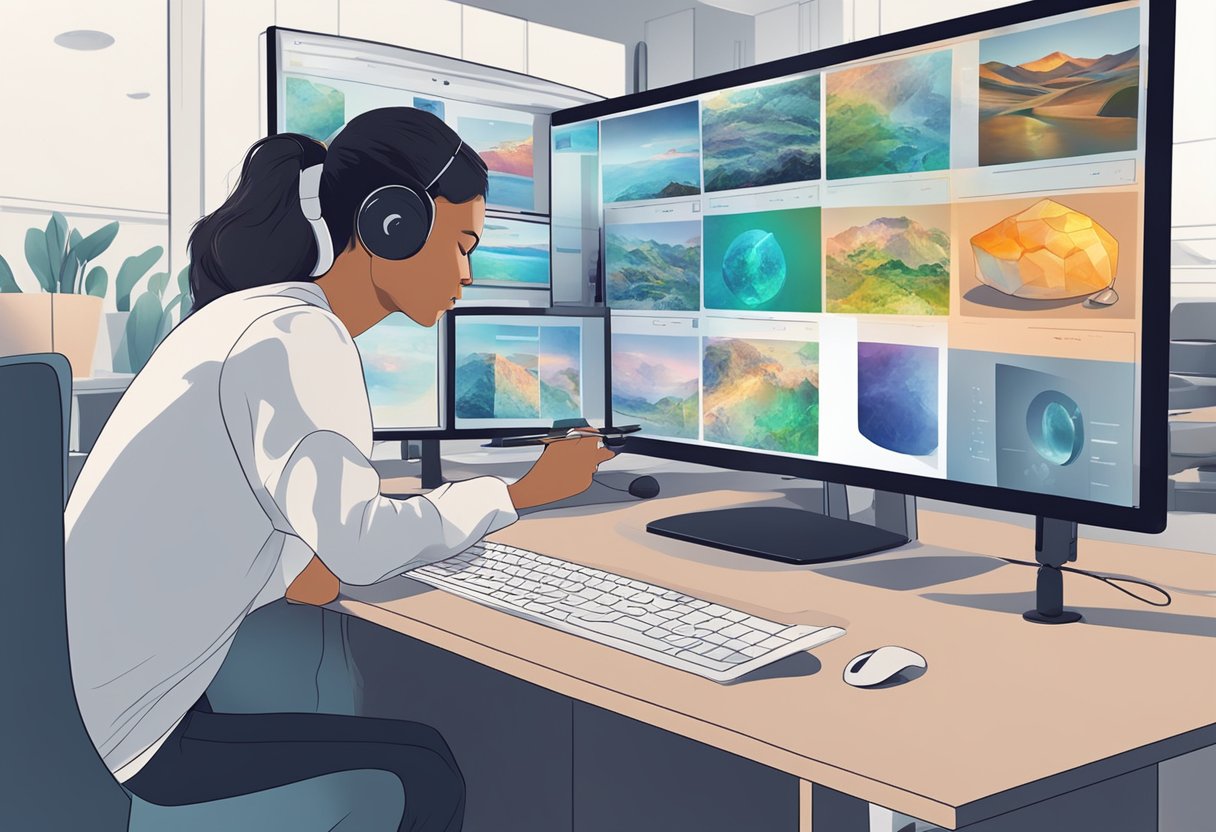
AI-generated images are transforming various industries by providing a powerful tool for visualization and creativity. These images support commercial and educational ventures through enhanced design, marketing aesthetics, and interactive learning experiences.
Social Media and Marketing
In the realm of social media, AI-generated images are pivotal in creating compelling visual content that can capture audience attention. They allow for the quick generation of diverse visuals for campaigns and posts, making it easier to share new content regularly. Businesses use AI images to design unique banners for their websites or produce captivating product previews without the need for physical prototypes.
- Instant Content Creation: Generates a variety of promotional materials.
- Cost-effective Marketing: Reduces expenses on photoshoots and graphic design.
Product Design and Prototyping
AI plays a crucial role in simplifying the product development process. It allows designers to visualize and iterate prototypes rapidly. For example, apparel companies can use AI to visualize new clothes on different body types, reducing the time and resources needed to create physical samples.
- Enhanced Visualization: Streamlines the product development cycle.
- Risk Reduction: Identifies design flaws before production.
Educational and Creative Projects
Educational applications of AI images are particularly engaging, providing an interactive and visually stimulating learning environment. AI-generated images can demonstrate historical events, scientific concepts, or complex data in a more accessible format. Similarly, creative projects can benefit from AI’s ability to generate unique art, providing inspiration and resources for artists and educators alike.
- Interactive Learning: Aids in visualizing complex educational content.
- Creative Exploration: Fuels artistic projects with novel imagery.
AI-generated imagery is proving to be invaluable across these applications, and its impact continues to grow as the technology advances.
Legal and Ethical Considerations
When creating AI-generated images, it is crucial to consider the legal frameworks and ethical norms governing intellectual property rights and the potential societal impact of these creations. Both creators and users must navigate copyright law, the landscape of intellectual property, and the broader ethical implications.
Copyright and Usage Rights
Copyright laws protect the original works of artists and content creators, applicable to AI-generated imagery when such work is based on existing copyrighted content. The use of AI tools such as Stable Diffusion, Midjourney, and DreamUp in generating images raises concerns about whether these technologies’ training processes may unintentionally infringe upon the copyright of others, especially when the source materials have been scraped from the internet without explicit permission.
- Public Domain: Works in the public domain are not subject to these constraints and can be freely incorporated into AI-generated images.
- Commercial Use: Creators should secure appropriate licenses for commercial exploitation of AI-generated images to avoid potential legal issues.
Intellectual Property Concerns
With AI’s ability to generate unique images, questions arise about the ownership of intellectual property (IP) rights for these creations. For instance, if an AI generates an image:
- Who holds the IP rights?
- Can these images be considered original works, or are they derivative?
- How do non-fungible tokens (NFTs) impact the ownership and sale of AI-generated artwork?
Understanding the nuances of IP law as it applies to AI-generated content is essential for creators and distributors in the AI art space.
Ethical Implications of AI Imagery
The creation and distribution of AI-generated imagery also present ethical challenges that must be addressed:
- Misrepresentation: There is a risk of AI-generated content being misrepresented as factual or human-created, leading to misinformation or deception.
- Credit: Ethical practices necessitate giving credit when using AI-generated content and ensuring that the audience is aware of the nature of the artwork.
Creators should proactively implement strategies that promote transparency and integrity, as suggested in discussions on IDEO’s legal and ethical framework for generative AI. This includes being clear about the use of AI in the creation process and the potential implications for both creators and consumers.
Technological Limitations and Potential
The ever-evolving field of artificial intelligence has propelled image generation into new frontiers, yet it grapples with technological constraints even as it promises expansive future capabilities.
Current Limitations of AI Generators
Imperfection: Artificial Intelligence image generators often produce output with imperfections. An image may appear blurry or exhibit anomalies that reduce realism. These systems may struggle with complex patterns or interpreting abstract concepts, leading to less-than-accurate representations.
File Types and Quality: Some AI generators are limited to certain file types, such as JPEG, which can introduce compression artifacts, while others offer PNG for lossless quality. Despite advancements, maintaining high-resolution clarity in detailed images remains challenging.
Watermarks: Generated images can come with watermarks, especially in beta versions or proprietary software, which limits commercial and personal use.
Future of AI in Image Generation
Progressive Learning: AI image generators are poised for iterative improvements. With every iteration, they become more adept at minimizing imperfections and improving upon previous limitations. Diffusion models and enhanced learning algorithms have the potential to sharpen image quality to near-photorealistic standards.
Enhanced Intelligence: AI systems’ analytical and learning capacities are advancing, suggesting that future AI image generation tools could produce highly detailed and accurate images with fewer limitations. Realistic textures, complex lighting, and accurate shadows are within reach as these tools grow more sophisticated.
Optimizing Your Workflow with AI
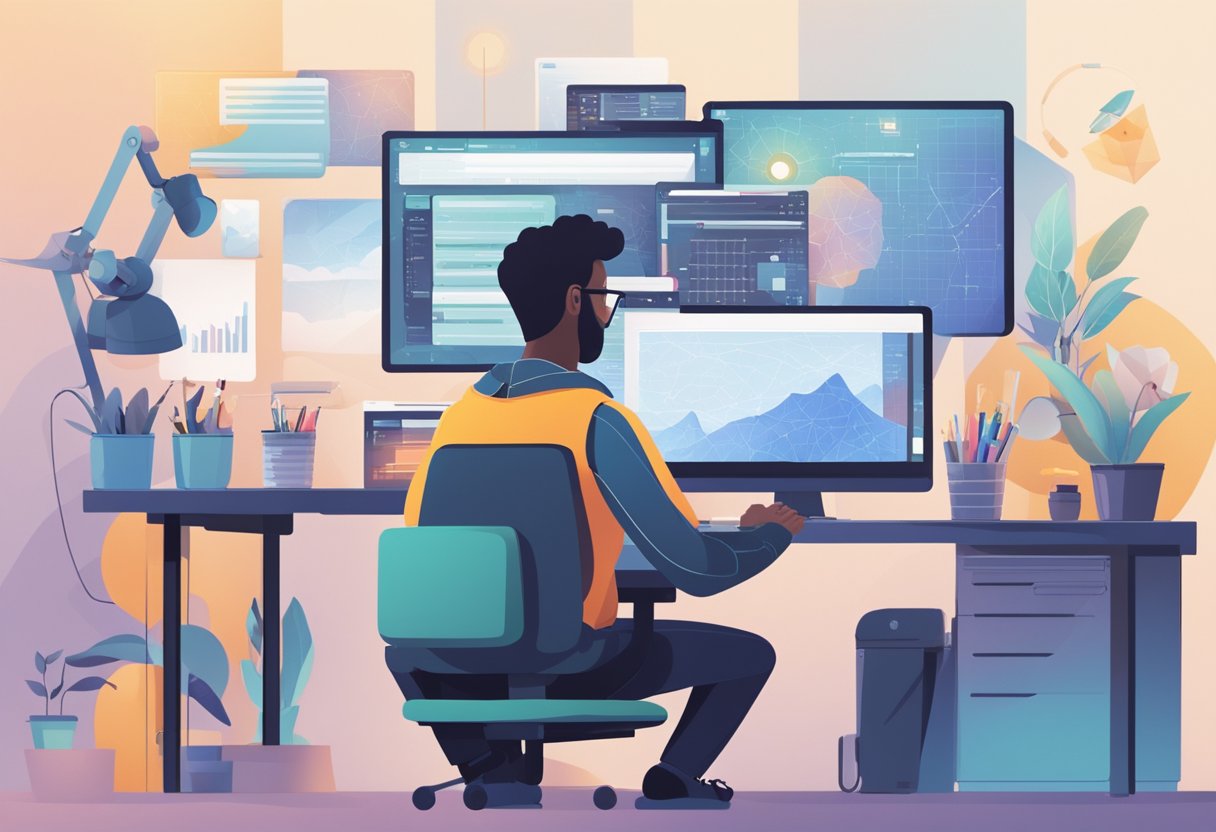
Incorporating AI into image creation not only saves significant time but also ensures the production of high-quality visuals. Designers and creators can leverage AI to refine their workflow, making the process more efficient and less labor-intensive.
Integration with Design Tools
Modern AI image generators are often designed to seamlessly integrate with popular design tools. For instance, when using Elementor’s AI Image Generator, creators can insert custom AI-generated images directly into their web design workflow. This eliminates the need to switch between various apps or devices, streamlining the creative process and saving valuable time.
Streamlining the Creative Process
AI image generators equipped with an API can be transformative. These APIs can be integrated into existing content management systems or apps, allowing users to generate and employ images on-the-fly. For example, businesses might implement an AI image generator API that can be prompted via text or visual cues to produce customized images for specific campaigns, enhancing both the speed and relevance of content creation.
Feedback and Iterative Improvement
The use of AI extends beyond creation to iteration. AI systems can analyze feedback and suggest improvements, enabling creators to refine their images until they meet the intended standards of quality and style. Automation tools, like those discussed by Zapier, can trigger a process where generated images are cycled through a feedback loop, allowing for the rapid testing and improvement of visual concepts.
Through these tools and processes, designers can ensure their workflow is not only faster but also capable of producing results that would be demanding, if not impossible, to achieve manually. With the right AI solutions in place, teams can deliver high-quality images that resonate with their target audiences, all while using resources more effectively.
Accessibility and Pricing Options
In the diverse landscape of AI image generators, users encounter a broad spectrum of accessibility options and pricing plans. These range from free services designed for casual use to premium subscriptions accommodating the demanding needs of businesses.
Free vs. Paid Generators
Free AI image generators cater to individuals and small enterprises with modest requirements. Often, they offer a limited number of image generations or access to basic features. For instance, Canva provides up to 50 free image generations for users wanting to experiment with AI image generation without a financial commitment.
Paid generators, on the other hand, are aimed at users seeking more advanced features, higher quality outputs, or bulk creation capabilities. They typically guarantee more control over the final product and prioritize user requests in terms of feature updates and support.
Subscription Models
Subscription models vary greatly among AI image generator platforms. Some operate on a monthly or annual fee basis, offering different tiers. For example, Canva’s Pro Plan is available at $10 per month or $119.99 when paid annually, granting access to a higher quota of image generations per user.
Other services may employ a credit-based system where users purchase a pack of credits to spend on image generations as needed.
Finding the Right Plan for Your Needs
Identifying the right plan requires understanding one’s image generation volume and the desired breadth of features. Small-scale users or those testing the AI waters might find free services sufficient. In contrast, professionals seeking to establish a consistent brand identity or requiring high-resolution images might need the robustness of a paid service. Users should consider generators that strike a balance between cost and capability, ensuring they do not pay for unneeded features while retaining the flexibility to scale up if necessary.
Frequently Asked Questions
This section provides clear and concise answers to common queries about AI-powered image generation technologies and their usage.
What are the top AI-powered text-to-image generators available?
The market offers several leading AI text-to-image generators, such as OpenAI’s DALL-E, which excels in creating images from textual descriptions, and DeepAI, known for its robust API that converts text into images efficiently.
Which AI art programs are considered the most advanced?
Programs like Midjourney and Artbreeder are at the forefront of AI art generation, boasting high levels of sophistication and the ability to produce complex, high-quality images.
Is there a way to use AI image generators without any cost?
Users can utilize platforms like getimg.ai that provide free access to AI image generation, which is often based on open-source models like Stable Diffusion.
How do individuals produce images using artificial intelligence?
Individuals typically produce AI-generated images by inputting text prompts into an AI system, which then interprets and translates these prompts into visual artwork with varying degrees of detail and realism.
What are the leading free AI image generators currently?
Popular free AI image generators include platforms like Deep Dream Generator and HostAdvice’s recommended AI image generators, which offer a range of tools for creating images at no cost.
Are there AI image editors that enhance artworks created by AI?
Yes, there are AI image editors such as VanceAI and letsenhance.io that specifically offer features to refine and improve the quality of images created by AI, adding the final touches or making adjustments as required.