Best AI Tools for Graphic Design: Top Picks for Creatives in 2024
Graphic design has always been an arena where creativity meets technology. With the advent of Artificial Intelligence (AI), the landscape of graphic design is rapidly changing, offering designers innovative tools to streamline their workflow, enhance their creativity, and adapt to new challenges. AI-powered graphic design tools not only automate mundane tasks but also provide advanced capabilities like generating ideas, optimizing design processes, and personalizing user experiences.
These AI tools for graphic design come in various forms, each with unique features that target different aspects of the design process. For instance, some tools are adept at creating realistic images and layouts using generative algorithms, while others excel in transforming hand-drawn sketches into digital formats. Designers can leverage these AI solutions to execute complex tasks with greater precision and in a fraction of the time it would take manually.
The incorporation of AI in graphic design tools is not just a trend; it’s a significant shift that is redefining the industry. By utilizing AI, designers are able to focus more on the creative aspects of design while leaving the repetitive and time-consuming tasks to the intelligence of machines. This serves to elevate the quality of design outputs and enables designers to tackle a higher volume of work or more complex projects with confidence.
Evolution of AI in Graphic Design
The integration of Artificial Intelligence (AI) within graphic design has drastically changed the design industry, allowing for a higher degree of automation and efficiency. AI design tools utilize advanced machine learning algorithms to augment the capabilities of human designers, transforming the creative process.
Impact on Modern Design Workflows
AI graphic design tools have introduced new levels of automation, making certain tasks faster and more precise. For example, Canva has streamlined design creation by offering a vast array of templates and AI-enhanced features, enabling non-designers to produce professional-looking graphics with ease. This has significantly reduced the time required for producing designs, particularly for repetitive tasks such as resizing images or generating color schemes.
Uizard is notable for its capacity to convert hand-drawn designs into digital formats, empowering app developers and designers with speedier prototyping capabilities. By removing the tedious aspects of the design process, these tools allow designers to focus on more complex and creative aspects of their work.
Future Projections
The future projections for AI in graphic design suggest a continued partnership between human creativity and machine efficiency. AI is expected to further personalize the design experience, learning individual designer’s preferences and suggesting tailored solutions. As AI technologies evolve, they will potentially handle more sophisticated tasks, possibly generating innovative designs that predict and adapt to emerging trends.
Moreover, designers may witness an expansion of AI’s role in the creative process, including the generation of ideas and complex decision-making. The design industry is poised to embrace these changes, leading to more dynamic and collaborative human-AI interactions that enhance the ingenuity and productivity of designers.
AI Design Software Overview
The integration of artificial intelligence in graphic design is altering the landscape for creatives, offering tools that refine the design workflow for heightened productivity.
Understanding AI Tools
AI for graphic design encompasses software that leverages machine learning to perform various tasks. These tools can analyze data, recognize patterns, and even suggest design elements, enabling UI/UX designers to focus on more strategic elements of their work. For instance, Adobe Sensei, an AI which operates within Adobe’s suite, augments traditional design processes by automating repetitive tasks.
Comparative Analysis of AI Tools
When comparing AI graphic design tools, consider factors like ease of use, feature range, and how well they integrate into existing workflows. Designs.ai is acclaimed for offering a comprehensive suite of tools tailored to both design newcomers and seasoned professionals. Each AI graphic design tool has unique capabilities; some might excel at automating UI design tasks, while others could offer advanced analytics to inform design decisions.
Selecting the Right AI Tool for Your Needs
Choosing the correct AI graphic design tool depends on the specific needs of a project or designer. Creative professionals should assess each tool’s proficiency in streamlining workflows, its impact on productivity, and the overall quality of output. Whether one requires an AI for swift generation of UI design elements or for broader creative explorations, there is a suitable AI graphic design tool to meet those needs.
Key Features of Top AI Graphic Design Tools
Top AI graphic design tools incorporate advanced features that transform the design industry by simplifying complex tasks. These tools enable both novice and professional designers to create stunning visual content with ease.
Image Generation and Editing
AI graphic design tools like Jasper Art and DreamStudio excel in generative AI capabilities, allowing users to create unique images from text descriptions. They offer advanced editing features, enabling designers to refine images to fit their creative vision.
Template and Element Creation
Platforms such as Canva provide a treasure trove of templates that serve as a starting point for a variety of projects. The integration of AI helps in generating custom elements like icons and logos. Tools like Looka specialize in logo creation, while Khroma uses AI to generate custom color palettes based on user preferences.
Design Enhancement Tools
To elevate designs, AI tools such as Let’s Enhance help in upscaling images without quality loss. Similarly, Uizard transforms hand-drawn sketches into digital formats, and Movavi includes AI-driven features that polish and perfect design pieces, ensuring that the final output is professional and on par with industry standards.
Maximizing Productivity with AI Tools

AI design tools have revolutionized the graphic design landscape by significantly enhancing productivity. They optimize the design workflow, allowing for rapid custom images creation, layout adjustments, and much more.
Streamlining Design Processes
AI tools in graphic design have made streamlined processes a reality. They can automate repetitive tasks such as generative fill and layout adjustments, freeing designers to focus on more complex aspects of a project. For example, Uizard specializes in converting hand-drawn sketches into digital formats, significantly speeding up the initial stages of design. With these tools, efficiency becomes the cornerstone of productivity, ensuring that projects move swiftly from concept to completion.
Enhancing Creativity and Efficiency
The incorporation of AI into graphic design has opened a new frontier for creativity. Tools equipped with generative recolor features and advanced editing algorithms allow designers to experiment with color schemes and aesthetics without manual input. This increases the capacity to generate original and creative visual concepts quickly. Let’s Enhance offers powerful enhancement options that help designers perfect images with a few clicks, illustrating how efficiency and creative exploration go hand-in-hand with the use of AI.
Customization and Personalization
Personalization is pivotal in today’s design, and AI tools excel in this aspect. They provide customization options that adapt to the user’s style and preferences, enabling designs that resonate more personally with the target audience. AI-powered design tools can analyze trends and user data to suggest personalized design elements, making the final product not only aesthetically pleasing but also more effective in communication. Moreover, these tools can learn and adapt to a designer’s style over time, further personalizing the design process.
Integration of AI Tools with Marketing Strategies

The incorporation of AI tools within marketing strategies has transformed the landscape of digital marketing by enhancing the creation and optimization of visual content.
Visual Content in Digital Marketing
In digital marketing, visual content acts as the cornerstone of consumer engagement. AI tools, such as Designs.ai, streamline the production of high-quality visual assets, enabling marketers to efficiently generate graphics, videos, and interactive media. The utilization of AI expedites the creative process, allowing for quick iteration and adaptation to market trends, which is crucial in the dynamic design industry.
Leveraging AI for Brand Building
Leveraging AI in brand building involves utilizing innovative tools to develop a unique visual identity and consistently apply it across various marketing campaigns. Through AI-powered content writing and graphic design tools, brands can maintain a coherent image that resonates with their audience. AI’s analytical capabilities also assist in tailoring creative assets to better align with consumer preferences, thus enhancing brand recognition and affinity in a competitive market.
Utilizing AI Tools for UI/UX Design
The integration of Artificial Intelligence (AI) in the field of UI/UX design enables designers to automate mundane tasks, optimize user interactions, and rapidly prototype interfaces with enhanced precision and personalization.
Automated UI Elements
AI tools like Adobe Firefly offer the ability to automate the creation of UI elements. By utilizing machine learning, these platforms can generate user-friendly interfaces that not only look good but also follow best practices in usability and design principles. This streamlines the process of developing an intuitive interface, allowing UI/UX designers to concentrate on more complex tasks.
- Usability: Automated UI tools help ensure consistency across platforms, which is a key factor in usability.
- Consistency: Elements like buttons, icons, and forms are generated quickly, maintaining a uniform aesthetic.
Optimizing User Experience
The use of AI in analyzing user behavior and preferences results in a more customized user experience. With tools such as Jasper (formerly known as Jaspers.ai), designers can interpret complex data sets and translate them into actionable insights. This leads to designs that are more aligned with user expectations, thus increasing overall satisfaction and engagement.
- Personalization: AI analyzes user data to tailor experiences, making interfaces more relevant to individual users.
- Engagement: Intuitive interfaces crafted with AI hold users’ attention by predicting their needs.
AI-Assisted Prototyping
Designers leverage AI-powered tools for rapid prototyping, which significantly speeds up the design process while allowing room for iterative testing and improvements. A tool like Fronty converts static images to HTML code, thus facilitating a quicker transition from concept to functional prototype.
- Speed: AI dramatically reduces the time needed to move from design concept to interactive prototype.
- Iterative Design: Prototypes are refined through AI suggestions, leading to a more polished final product.
Understanding AI Tool Pricing Models
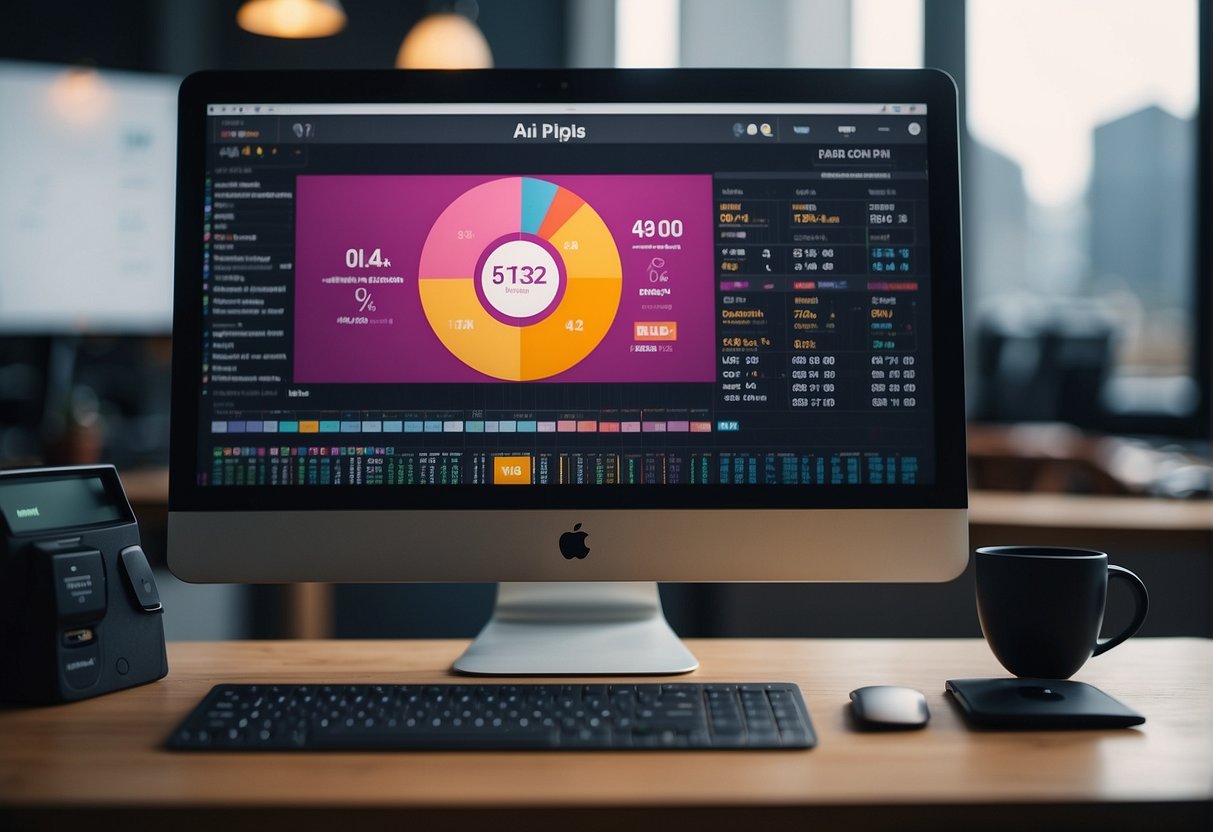
When selecting AI graphic design tools, designers and businesses must navigate a variety of pricing models, which can significantly impact the design workflow and overall business costs.
Subscription vs One-Time Payment
AI tools for graphic design often come with two main pricing structures: subscription-based and one-time payments. Subscription models typically require a monthly or annual fee, offering continuous updates and support. For example, some of the best AI graphic design tools operate on this model, which can be preferable for professionals who need consistent access to the latest features. On the other hand, one-time payment options provide permanent access to a tool after a single purchase, such as some services listed amongst the Top AI Graphic Design Tools in 2024. Developers and businesses might opt for this if they prefer not to have recurring expenses in their budget.
Cost-Benefit Analysis
Conducting a cost-benefit analysis is crucial for businesses to determine the most economical approach to integrating AI in their design processes. They must consider factors like the scale of operations, the frequency of software use, and required functionalities. Moreover, the market offers a range of options, from high-end tools that promise to streamline the design workflow for large teams to more affordable solutions catering to freelancers or small studios.
Finding Value in Free Tools
The market also includes free AI graphic design tools that can offer value, especially to individuals or businesses with limited budgets. While these free tools may not always have the robust features of paid versions, they can still be incredibly useful. Entities like Elegant Themes have discussed tools with AI-Powered editing features available without cost, proving invaluable for early-stage developers or businesses testing AI’s efficacy in their design workflow before committing financially. It’s important to note that free versions may also serve as a gateway to paid upgrades, should the need evolve with the growth of the business or complexity of projects.
Customizing and Extending AI Tools

Graphic design professionals and developers are increasingly seeking advanced capabilities to tailor AI graphic design tools to their specific needs. APIs and plugins are instrumental for customization and the development of proprietary enhancements ensures unique functionality that can give businesses a competitive edge.
APIs and Plugins
Graphic design tools often provide Application Programming Interfaces (APIs) which enable developers to automate various design tasks. For instance, a tool like Jasper ART allows users to adjust image elements and styles programmatically. Leveraging APIs can result in faster production times and customization that aligns with brand consistency.
Plugins extend the functionality of design tools beyond their original scope. Plugins can be sourced from third-party developers or created in-house, providing tailored solutions that cater to specific design needs. The integration of plugins into a design platform enables users to add new features seamlessly without changing their established workflows.
Developing Proprietary Enhancements
For businesses that prioritize uniqueness, developing proprietary enhancements can be a key differentiator. This process involves creating customized algorithms or features that are exclusive to their operations. Having bespoke tools reflects their brand’s innovation and can help in producing distinctive designs that stand out in the market.
Graphic design AI tools allow businesses to experiment with custom solutions that can revolutionize their design process. These tools can adapt and learn from user input, consistently evolving to ensure that the output remains on the cutting edge of design technology. Developers play a pivotal role in this continual enhancement, ensuring that the tools stay relevant and powerful.
Frequently Asked Questions
In this section, readers will find common inquiries about AI tools for graphic design, addressing the range of available options, their benefits, and specific recommendations for various design tasks.
What are the top AI tools currently available for graphic designers?
The market offers several leading AI tools for graphic designers, including Adobe Firefly and MidJourney, known for their innovative features that cater to modern design needs.
How can AI enhance the graphic design process?
AI enhances the graphic design process by automating tedious tasks, providing personalized design suggestions, and enabling rapid prototyping, significantly reducing the time and effort required for design projects.
Are there any free AI-powered design tools that offer professional-grade features?
Yes, there are free AI-powered design tools that offer professional-grade features, such as Fontjoy, which helps designers pair fonts effortlessly and can be a valuable asset without any cost.
What is the role of generative AI in the field of graphic design?
Generative AI in graphic design plays a transformative role by creating original design elements, patterns, and layouts, aiding designers in exploring new creative possibilities and iterations swiftly.
Which AI software is recommended for creating logos and branding material?
For creating logos and branding material, designers might find tools like Topaz Labs quite useful, as it offers specialized features to enhance visual elements and ensure brand consistency.
How do AI design tools differ from traditional graphic design software?
AI design tools differ from traditional graphic design software in their capacity to learn from data, predict design trends, and automate complex tasks, thereby providing a more advanced, efficient, and data-driven design experience.