AI Infographic Generator: Unleashing Visual Data with Automation
In the visual storytelling realm, infographics have become a favored method for presenting complex data clearly and engagingly. They blend graphics with information to help readers grasp intricate concepts at a glance.
With the advent of artificial intelligence, infographic creation has been revolutionized. AI infographic generators enable individuals and businesses to produce compelling visuals with minimal effort and in significantly less time than traditional methods.

These generators are equipped with the ability to interpret textual prompts and turn them into visually appealing infographics, which can be customized and used in a variety of settings, from academic presentations to marketing campaigns.
AI in infographics not only democratizes design by allowing people without extensive graphic design skills to create quality visuals but also suggests design options that align with the latest trends, thus ensuring that the infographics are both informative and aesthetically pleasing.
The potential applications and enhancements made possible by AI in this field hint at an even more integrated and intuitive infographic creation experience in the future.
Key Takeaways
- Infographics are a powerful tool for presenting information, and AI is simplifying their creation.
- AI infographic generators offer customization options, ensuring visuals meet individual or brand needs.
- The integration of AI in infographics is set to grow, promising further advancements in user-friendliness and design innovation.
Understanding Infographics
Infographics are visual representations of information, and their design aims to make data easily understandable at a glance. They combine graphics, data, and text to present complex information in a clear, concise, and visually engaging format.
The essence of an infographic is to distill large datasets or complicated concepts into a form that is accessible to a wide audience.
Design Principles:
- Visually Appealing: Utilize colors, shapes, and typography that attract attention while maintaining readability.
- Concise: Deliver the essential message without unnecessary clutter.
Data Representation:
- Clear: Use of straightforward layout and hierarchy helps the viewer follow the flow of data.
- Engaging: Incorporation of interactive elements or motion graphics can elevate an infographic from static visual to an immersive experience.
Elements of effective infographics include but aren’t limited to:
- Charts and graphs
- Timelines
- Diagrams
- Icons and illustrations
The ability of infographics to present data visually helps in the quick absorption of information. They serve as powerful tools for communication in reports, presentations, and marketing materials.
As digital platforms evolve, so do the possibilities for innovative data representation through infographics.
The Role of AI in Infographics
The infusion of AI into infographics design allows for the creation of detailed and visually engaging content with less effort and greater efficiency.
AI-Powered Generators
AI infographic generators employ artificial intelligence to transform user inputs into compelling infographics quickly.
These tools harness generative AI to produce AI-generated infographics, often starting from a variety of AI-generated templates.
For example, platforms like Piktochart AI simplify the process, making it accessible to any user regardless of their design background.
Benefits of AI for Infographic Design
The major benefits of using AI for infographic design include efficiency and the automation of labor-intensive tasks.
AI tools can significantly reduce the time it takes to create an infographic, enabling the production of visual content at scale.
They also offer customization options, allowing users to adjust design elements like color schemes and typography to fit their visual style.
AI Tools and Platforms
Many AI tools and platforms facilitate the creation of infographics.
Services such as Venngage, Visme, and Infographic Ninja AI offer user-friendly interfaces that incorporate AI capabilities to assist in the design process.
These platforms typically provide a broad array of templates, which users can personalize to their content needs.
AI Algorithms and Customization
Behind every AI infographic maker are AI algorithms that handle tasks from simple color correction to complex data visualization.
Harnessing these algorithms, users can create customized infographics that stand out.
This level of customization can emulate the expertise of a professional designer, offering choices in design elements, visual style, and even specific typography preferences.
Collaboration and Community
AI-powered design tools not only streamline the creation of infographics but also foster collaboration and build community.
Tools like Canva provide collaboration features, enabling multiple users to work on the same project simultaneously.
Communities form around these tools, sharing best practices and design tips, which further enhances the infographic creation experience.
Infographic Templates and Customization
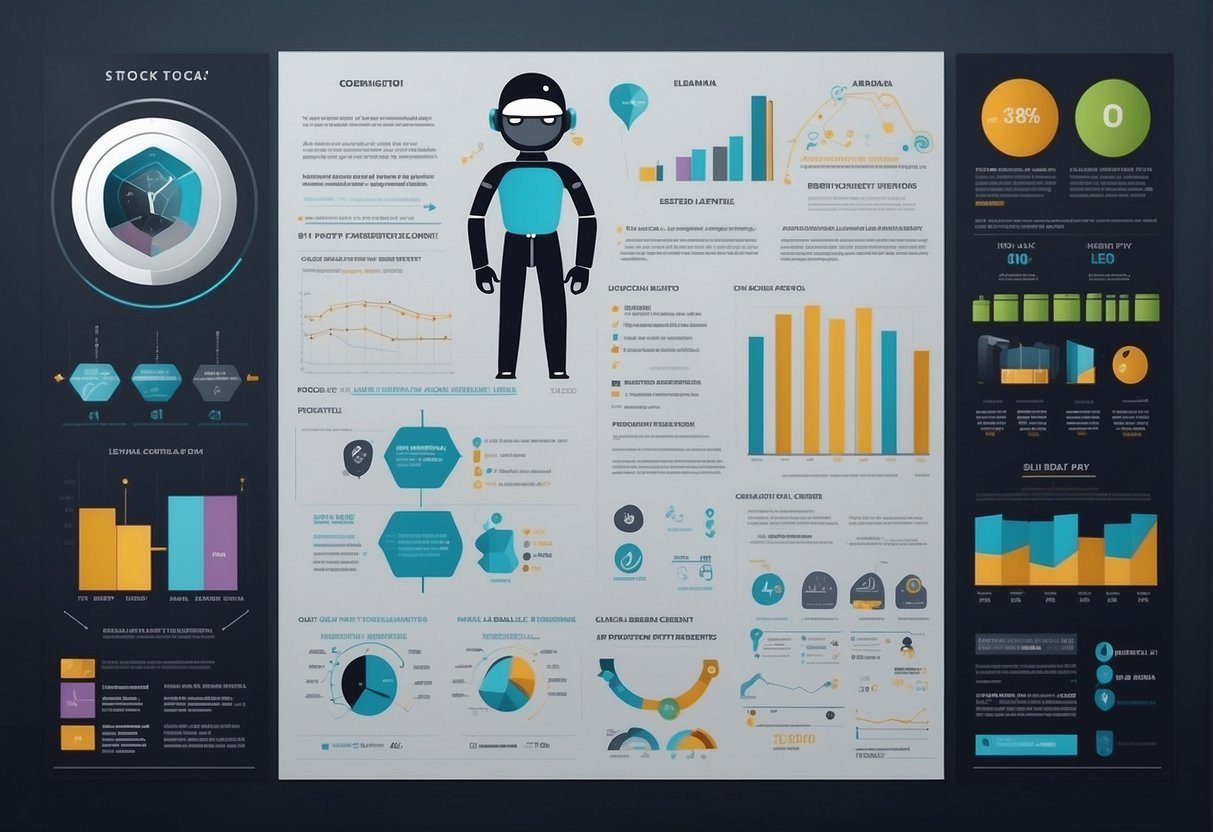
Selecting the right template can transform data into a compelling story, and customization infuses a brand’s identity into graphics.
It is crucial to explore various templates, add distinct design elements, and present data visually to create infographics that stand out.
Exploring Template Options
With the advent of AI infographic tools, individuals now have access to thousands of professionally designed infographic templates.
These range from business reports to educational materials, ensuring that there’s a fit for every subject.
Easy-to-edit infographic templates serve as a starting point, allowing users to swiftly adapt layouts to their specific narrative needs.
For instance, Typeset’s AI-powered tool offers a library of templates that can be tailored to suit different industries and purposes.
Adding Design Elements
Customization is where creativity meets utility.
Users can integrate various design elements such as icons, fonts, colors, and illustrations to align the infographic with their branding.
Royalty-free stock photography and a vast selection of icons can enrich the visual appeal.
Tools like Piktochart’s AI infographic maker assist creators in refining their message, making it straightforward to adjust every aspect, from typography to color palettes, enhancing the overall narrative impact.
Visual Data Presentation
Infographics are potent due to their ability to present complex data in an easily digestible format.
Charts, graphs, pie charts, and line charts are essential for data visualization.
Tools such as Venngage’s AI Infographic Generator leverage AI to assist in the visual representation of data, transforming raw numbers into engaging visuals.
Maps and other illustrations can further contextualize information, helping viewers grasp the data’s geographic and relational nuances.
Content Creation for Infographics

Content creation for infographics requires a meticulous blend of text, data, and design to convey complex information in an easily digestible format.
A well-crafted infographic can transform a dense collection of data into an engaging story that resonates with the audience.
Text and Typography
Choosing the right fonts and typography is essential for readability and setting the tone of the infographic.
Designers must select fonts that complement the theme and ensure that the hierarchy of information is clear.
Text should be concise, allowing the visuals to narrate most of the story, while still providing necessary context and explanations.
Using Data Effectively
Data visualization is the heart of any statistical infographic.
Communicating complex data through charts, graphs, and icons requires that data be accurate and well-presented.
Sifting through large datasets to find relevant information ensures that the infographic remains focused and effective at conveying the intended message.
Crafting the Narrative
Every infographic should tell a story.
The narrative guides the viewer through the information, making the content memorable and impactful.
By aligning the data and visuals with a central theme, an infographic can turn a simple blog post or collection of ideas into a compelling visual story.
Distribution and Sharing of Infographics
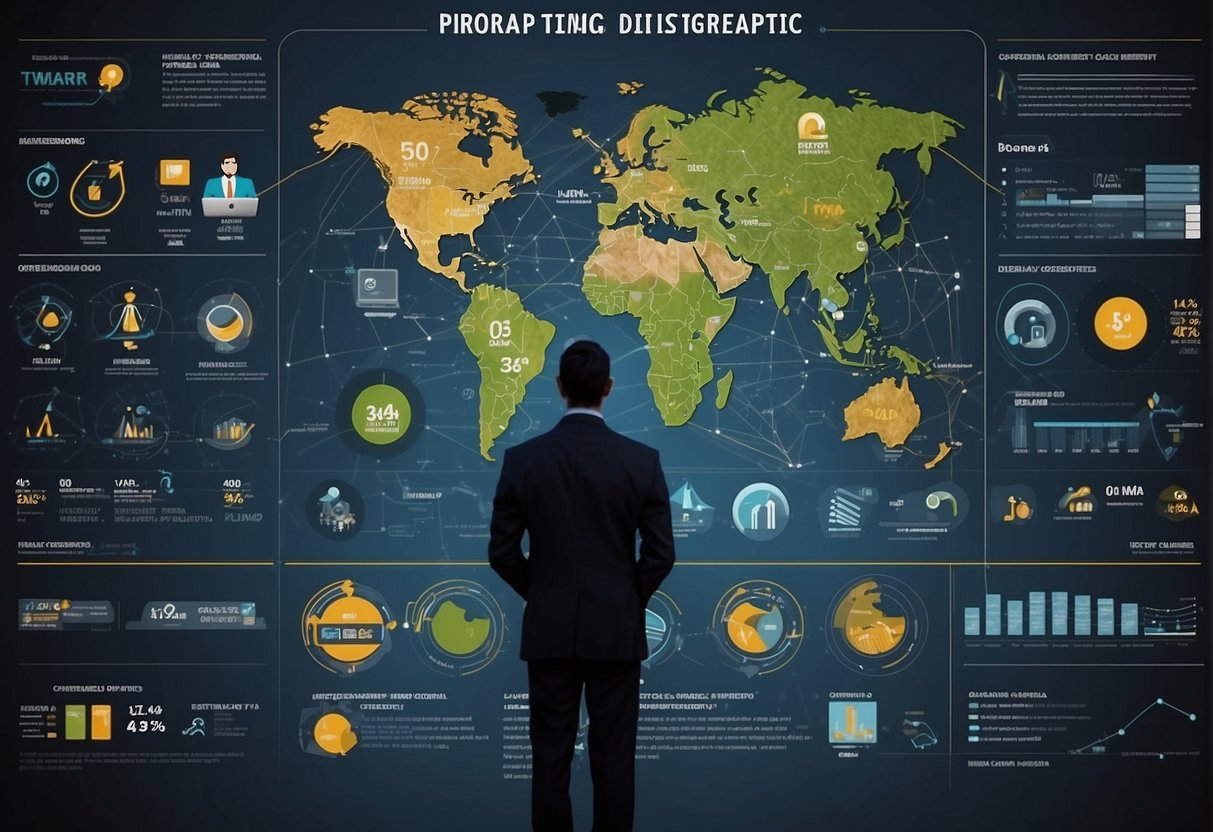
Creating an eye-catching infographic is only the first step; distributing and sharing it effectively ensures that the visual content reaches the intended audience.
Social Media Integration
Integrating infographics with social media platforms amplifies their visibility and shareability.
Tools like Piktochart AI offer features that allow users to directly post their creations on platforms such as Twitter, Facebook, and LinkedIn.
Ensuring that infographics have the correct dimensions for each platform enhances their appearance and user engagement.
Formats and Download Options
When an infographic is ready to be shared, it is crucial to offer it in multiple formats.
Common file types include PNG, PDF, and JPG, each serving different needs.
PNG files are ideal for maintaining clarity in digital displays, while PDF files are suitable for print and professional presentations.
Venngage’s AI infographic generator provides users with these versatile download options to accommodate various distribution needs.
Maximizing Reach
To maximize an infographic’s reach, it can be made shareable and embeddable.
This means providing accessible sharing buttons and embed codes that users can use to incorporate the infographic into their own websites and blogs.
Offering different infographic dimensions tailored for specific platforms or content formats ensures optimal display and encourages wider sharing.
Advanced Infographic Techniques

Incorporating advanced techniques in infographic design can greatly enhance their effectiveness and engagement. These methods leverage interactive elements, a variety of types, and narrative approaches to communicate information more effectively.
Creating Interactive Infographics
Interactive infographics take engagement to the next level by allowing viewers to interact with the visual elements.
By utilizing a user-friendly editor, creators can design infographics that invite the audience to click, hover, or scroll, revealing additional layers of data.
The Venngage’s AI-powered tool transforms user input into compelling interactive elements, suitable for dynamic presentations or data exploration.
Developing Infographic Varieties
A diverse selection of infographics caters to different purposes and messages.
The process infographic is ideal for illustrating the steps in a workflow or system, while a flowchart simplifies complex decisions and procedures.
For comparisons, a comparison infographic contrasts different subjects effectively. Similarly, the marketing infographic appeals to businesses aiming to showcase their services or products succinctly.
The timeline infographic is perfect for displaying historical data or project milestones, and a Piktochart editor supports the creation of these diverse types with its AI tool, making the process straightforward.
Visual Storytelling
Storytelling through infographics allows for an immersive narrative built with data.
By weaving facts and figures into a coherent story, viewers can understand and remember information better.
Visual assets like an impactful bar graph or illustrative icons add depth to the narrative.
Educators may use storytelling infographics to explain complex concepts, while blog posts can become more engaging with visually narrated data.
Effective storytelling can be achieved with the combined use of an AI tool and a rich array of visual assets, ensuring that the message resonates with the audience.
Enhanced Support and Resources

When utilizing AI infographic generators, users have access to a wealth of resources and support options designed to streamline the creation process for everyone, from non-designers to professional designers.
Professional Support Services
AI infographic tools often offer professional support services to assist users in maximizing the software’s potential.
This support includes 24-hour priority support, ensuring that help is available around the clock, which is particularly beneficial for time-sensitive projects.
Educators and businesses that rely on the creation of professional infographics may find priority support services invaluable, as it allows for quick resolution of any issues or guidance needs.
Templates and Asset Libraries
A major advantage of AI infographic generators is the access to a vast library of templates and assets.
Millions of free photos and thousands of icons are available at the user’s fingertips to create visually appealing and impactful designs.
These resources are meticulously curated to cater to the varying needs and styles of users, allowing both non-designers and professional designers to craft high-quality infographics with ease.
Learning and Development
AI infographic platforms often provide users with resources for learning and development.
These may include tutorials, webinars, and articles aimed at enhancing one’s design skills and knowledge of the platform.
Educators can leverage these materials for classroom instruction or professional development, ensuring that they are well-equipped to pass on valuable infographic design skills to their students.
Future of AI in Infographic Creation
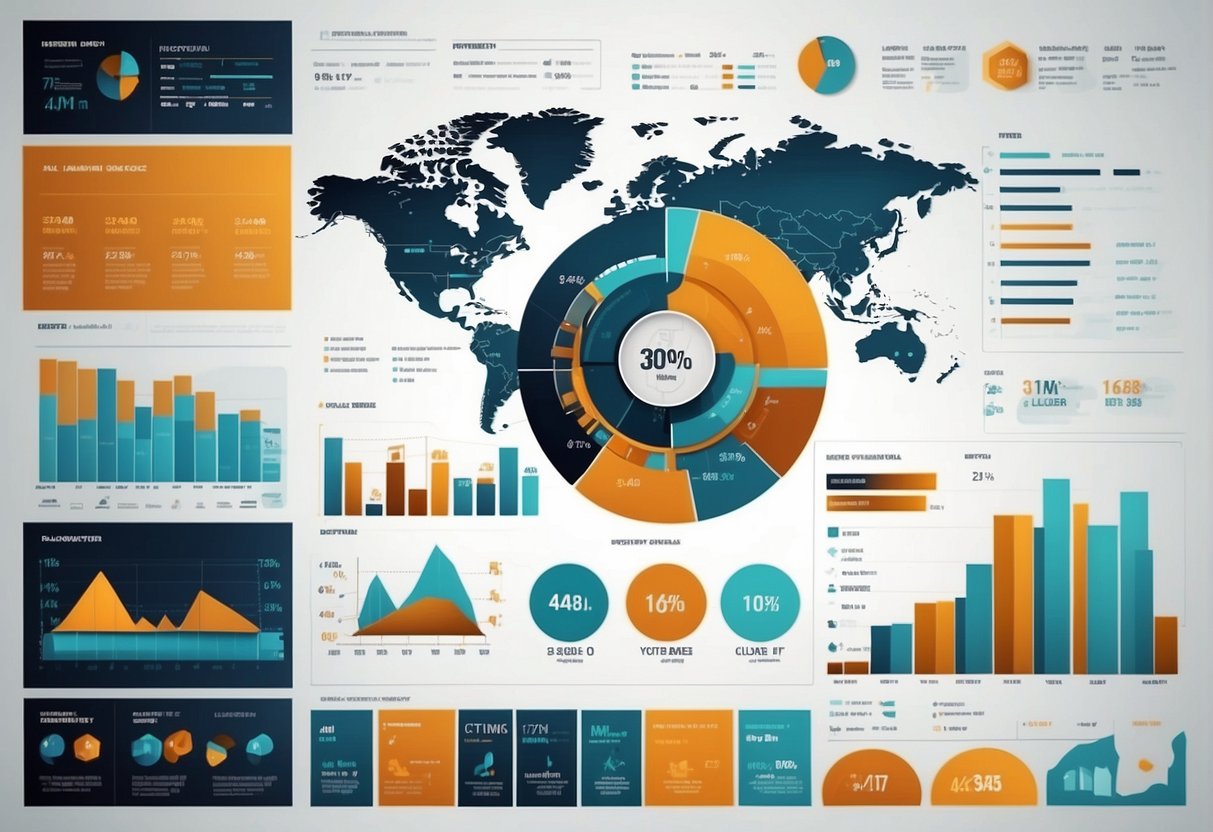
The integration of Artificial Intelligence (AI) into infographic creation is poised to revolutionize the field significantly.
AI infographic generators are becoming increasingly sophisticated, enabling users to quickly convert complex data into visually engaging infographics.
The technology behind these generators leverages Generative AI, which has the capability to understand context and produce graphics that are not only visually appealing but also informative and accurate.
The AI-powered infographic generators are designed to streamline the design process, removing the traditional barriers that non-designers face when trying to visually communicate data.
With platforms like Infographic Ninja, users can anticipate a future where AI assists in crafting narratives and visualizations that were once the domain of skilled graphic designers.
- AI’s role in infographic design:
- Data interpretation
- Design element suggestion
- Layout optimization
Generative AI systems are now capable of suggesting design elements and optimizing layouts based on best design practices.
As AI continues to evolve, the gap between data and design narrows, creating opportunities for dynamic, real-time infographic creation that can keep pace with the speed of information dissemination in the digital era.
Future advancements may include more personalized and interactive infographics.
Augmented Reality (AR) and Virtual Reality (VR) could provide immersive experiences where viewers not only see data representations but engage with them in a three-dimensional space.
Overall, the future of infographic creation with AI promises increased accessibility, efficiency, and innovation in how we process and share information.
Frequently Asked Questions
In the ever-evolving landscape of design and technology, AI infographic generators have emerged as a pivotal tool. These tools transition textual data into visual stories efficiently and effectively.
What are the top-rated AI tools for creating professional infographics?
SmartVisuals.app and Venngage are renowned for their ability to generate professional-level infographics with the aid of artificial intelligence.
Their popularity stems from user-friendly interfaces and the quality of the graphics produced.
How can I convert text data into an infographic automatically?
By using AI infographic generators such as Piktochart AI, text data can be transformed into infographics automatically.
Users simply input their data, and the AI tool executes the design process.
Are there any no-cost options for generating infographics using AI?
Yes, there are several AI infographic tools that offer free versions with basic functionalities, enabling users to generate infographics at no cost.
Which platforms offer AI-driven infographic creation capabilities?
Platforms like Venngage and Piktochart offer AI-driven infographic creation capabilities, leveraging artificial intelligence to streamline and enhance the infographic design process.
Which AI-infographic tool is recommended by experts for its ease of use and quality of output?
Experts often recommend Venngage for its ease of use and the high quality of its outputs, as it simplifies the infographic creation process while maintaining professional standards.
How do user reviews rate the effectiveness of AI in generating infographics?
User reviews typically highlight the effectiveness of AI infographic generators in producing engaging visuals with minimal effort. They emphasize the tools’ ability to convert complex data into more digestible information.