Best AI Infographic Generators: Top Picks for Stellar Visuals in 2024
In the age of digital media, infographics have emerged as a powerful tool to simplify complex information and make data comprehensible. The synthesis of graphics and information demands not only creativity but precision.
AI infographic generators have revolutionized the design process, enabling users with varied expertise to produce professional and visually appealing infographics. These tools use artificial intelligence to transform raw text into visually engaging narratives, automating various aspects of design to save time and resources.
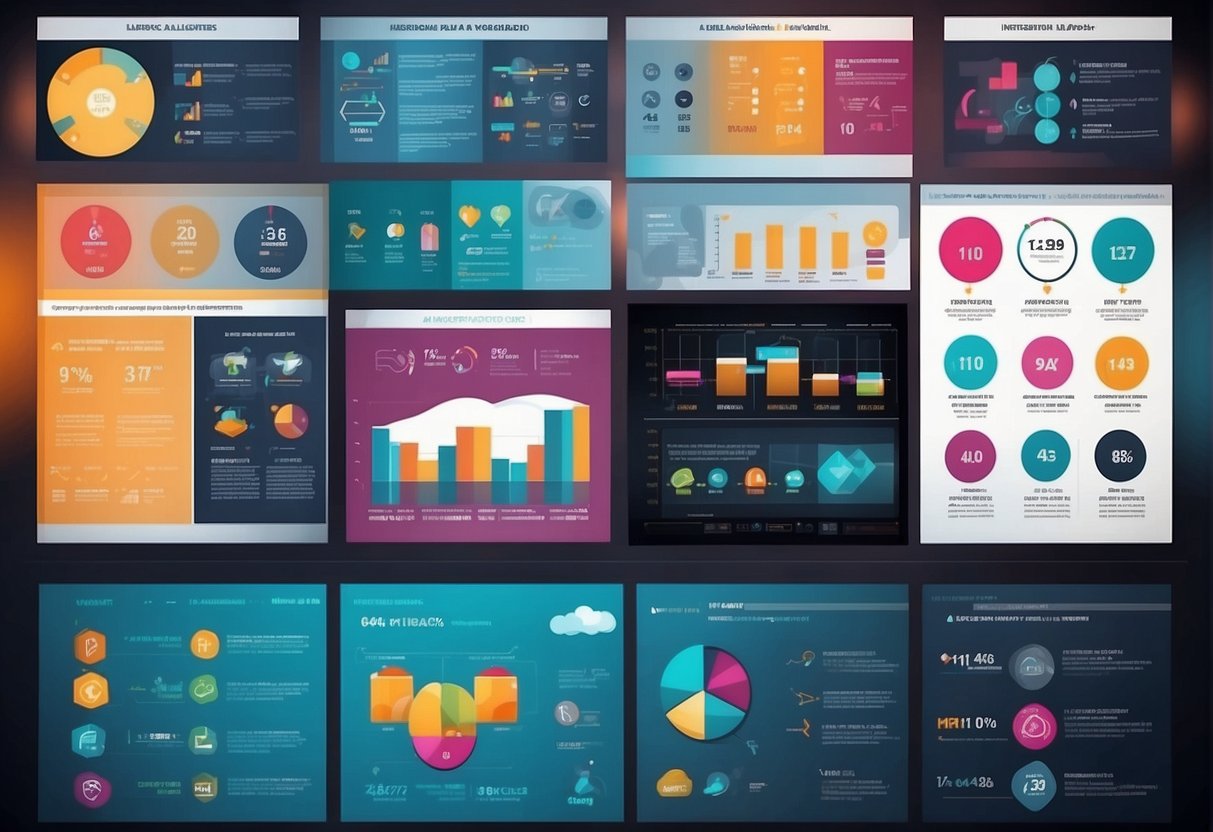
AI-powered design platforms provide an array of features, from template selection to object placement, ensuring that the end-product aligns with the communicator’s vision.
The ease of use and versatility of these generators make them indispensable for marketers, educators, and anyone looking to present data in a more compelling way.
Generators like Piktochart AI and Venngage have streamlined the infographic creation process, offering users the ability to produce quality designs with minimal effort.
While these generators might vary in their customization options and user interfaces, the core value they offer is clear—accessibility to high-quality visuals.
Whether it’s for social media, academic content, or corporate reports, AI infographic generators are becoming a go-to resource for effective visual communication. As the technology advances, the potential for creating more interactive and informative infographics grows, marking a new era of digital storytelling.
Understanding Infographics

Infographics play a crucial role in simplifying complex information, transforming it into digestible visual content. They facilitate data visualization by emphasizing key data points through design elements.
The Importance of Infographics in Communication
Infographics serve as essential tools in communication due to their ability to present information in a visually engaging way. They empower storytellers to convey messages quickly and efficiently, increasing the likelihood of retention and understanding.
Complex data sets are broken down into simpler visuals, making it easier for audiences to grasp and remember. The utility of infographics extends to various fields, from business reports to educational materials, illustrating their versatility in enhancing communication across domains.
The Basics of Infographic Design and Data Visualization
At its core, infographic design intertwines artistic elements with data to illuminate trends, patterns, and insights. The basics of design entail:
- Clarity: Clean layouts with focused messaging.
- Hierarchy: Strategic placement of elements to guide the viewer’s eye.
- Typography: Choice of fonts for readability and impact.
- Color Theory: Use of colors to evoke emotions and highlight critical data.
Effective data visualization demands an understanding of the data being represented and the audience’s needs.
Designers must choose the appropriate types of charts and graphs to correctly represent the data, while also utilizing:
- Consistent iconography for intuitive understanding.
- Balanced white space for easing visual navigation.
- Comparison tools, such as tables or lists, for contextual analysis.
By prioritizing the viewer’s experience, infographic designs turn abstract numbers into visual content with meaning and context.
AI in Design
The intersection of artificial intelligence (AI) and graphic design is revolutionizing the way visuals are created, leveraging machine learning algorithms to enhance human creativity.
The Role of Artificial Intelligence in Graphic Design
Artificial Intelligence has become an integral part of the graphic design industry, automating routine tasks and providing designers with powerful tools.
AI applications in graphic design span from automated layout adjustments to searchable image databases.
AI Magic manifests when these tools expedite design workflows, allowing graphic designers to focus on the creative aspects of their projects.
For example, AI-infused platforms like Piktochart AI can swiftly transform basic inputs into elaborate templates, supplying a foundation for further customization.
Generative AI and Its Impact on Creativity
Generative AI is at the forefront of artistic exploration, offering a new paradigm by which creativity is manifested.
These advanced machine learning algorithms can produce original content that was once the exclusive domain of human designers.
For instance, Venngage harnesses generative AI to create unique infographic designs in mere seconds.
This synergy of technology and artistry doesn’t aim to replace human creativity but rather, it enriches the creative process by presenting endless possibilities and variations that might not have been conceived otherwise.
Selecting Infographic Generators
When choosing AI infographic generators, businesses must weigh factors like ease of use and the quality of the final product.
High-quality infographics can boost engagement and effectively communicate complex information.
Comparing AI Infographic Makers
When comparing AI infographic makers, one should consider:
- Features: Look for tools that offer a robust set of features, such as customizable templates and the ability to effortlessly convert text into visuals.
- User Interface: A user-friendly interface ensures that even those with minimal design experience can create professional infographics.
- Templates and Flexibility: The availability of a diverse library of templates provides a starting point for creation, while customization options allow for brand alignment.
- Integration: For seamless workflow, the chosen tool should integrate with other software used within the business.
The Benefits of Using AI for Creating Infographics
Employing AI for creating infographics offers significant advantages:
- Efficiency: AI accelerates the design process, transforming ideas into visual art in seconds.
- Creativity: Advanced AI algorithms can produce unique and compelling designs that captivate the audience.
- Scalability: AI infographic generators can handle increasing volumes of content without compromising on quality, making them ideal for businesses aiming to scale their content strategy.
Design Features and Tools

Selecting the right AI infographic generator entails evaluating the wealth of design features and tools available. Users should consider how these elements cater to customization, support brand identity, and facilitate design work with minimal design skills required.
Customization and Branding Options
AI infographic generators offer extensive customization and branding options to ensure that the final product aligns with an organization’s brand identity.
Users have the flexibility to select colors, fonts, and layouts that resonate with their brand’s aesthetic. For example, the Venngage AI Infographic Generator allows for significant customization, ensuring that every infographic reflects the essence of the brand it represents.
Rich Libraries: Icons, Charts, and Templates
A key advantage of AI infographic generators is their rich libraries filled with icons, charts, and templates.
Access to a diverse set of visual assets is essential for creating informative and engaging infographics.
Generators like Piktochart AI offer a variety of assets that cater to different themes and data presentation needs, enabling users to craft compelling visual stories.
- Icons: Thousands of icons catering to various industries and occasions.
- Charts: A range of chart types to accurately depict data and trends.
- Templates: Professionally designed templates that provide a starting point for quick and effective design work.
Advanced Editing Tools for Professional Results
For those aiming for professional-level infographics, advanced editing tools are indispensable. They enable users to refine and tweak their designs to perfection.
Features such as drag-and-drop editors and real-time collaboration can significantly streamline the design process.
Generators like Appy Pie’s AI Infographic Maker offer advanced editing tools that bring sophistication to the design process, making them suitable even for users without extensive design skills.
Popular AI Infographic Tools
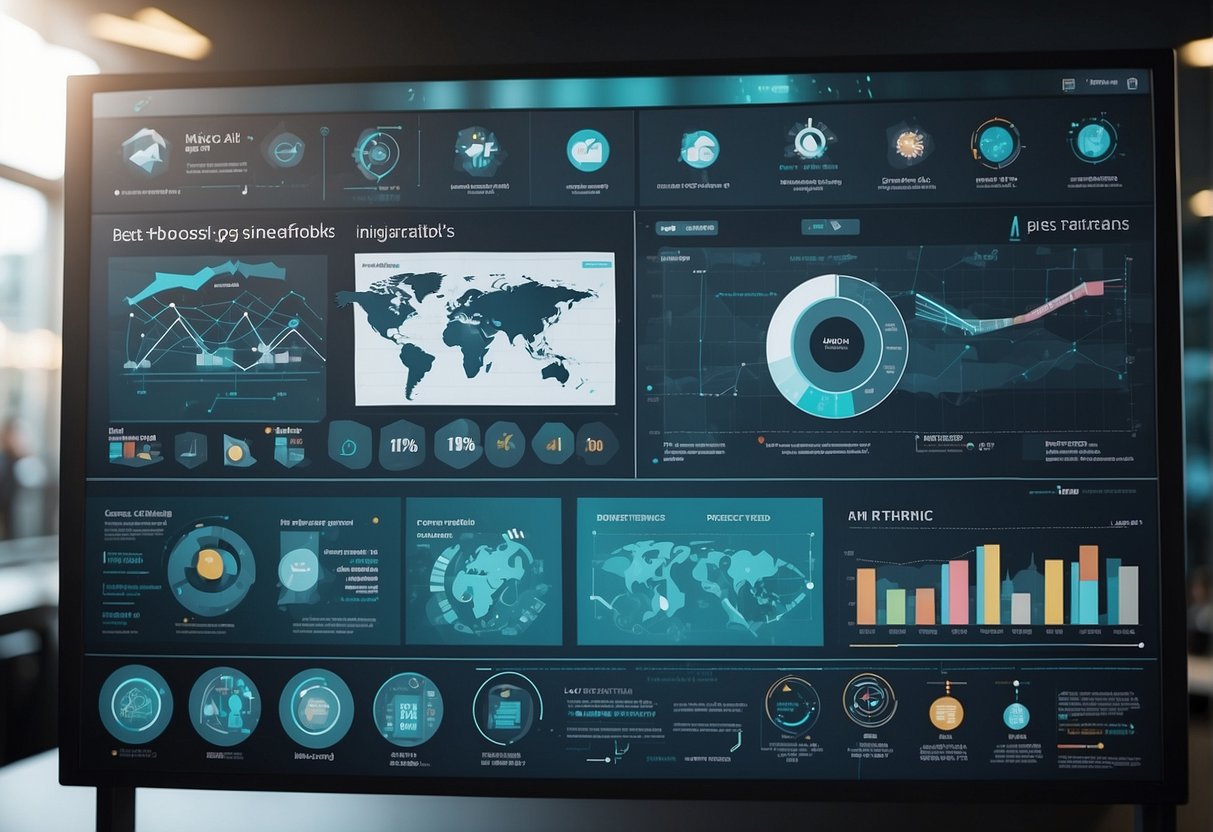
In the realm of visual communication, AI infographic tools streamline the creation process, offering powerful features for designers and non-designers alike. These tools harness AI to convert complex data into compelling visual stories.
Canva for Versatile Infographic Creation
Canva stands out for its versatile infographic capabilities and ease of use, catering to both novices and those with design expertise.
It offers an extensive library of templates that can be easily customized to fit any narrative.
Piktochart Editor’s Design Ecosystem
Piktochart’s editor facilitates a seamless design experience with an AI-powered generator that translates prompts into enticing infographics.
Piktochart’s ecosystem is user-centric, supporting rapid design with no steep learning curve.
Venngage and Visme for Data-Driven Visuals
For those focused on data-driven visuals, Venngage provides AI-infographic tools tailored to present data clearly.
Similarly, Visme excels in transforming numbers into narratives through engaging graphics and interactive elements.
Infogram and Easel.ly for Collaboration
Tools like Infogram and Easel.ly emphasize collaboration features, allowing teams to co-create and fine-tune infographics.
Their platforms are designed for efficiency, making joint efforts on visual projects hassle-free.
Specialized Tools: Infographic Ninja AI and Mind The Graph
For those seeking more tailored solutions, Infographic Ninja AI introduces a unique approach to infographic creation with specialized algorithms.
Mind The Graph offers scientific and academic communities customized templates to visualize intricate data effectively.
Working with AI-Generated Elements

In the evolving landscape of infographic design, AI can help create tailored text and imagery. This can help content reach new levels of professionalism and relevance. AI-generated elements offer a fresh layer of customization, with the added advantage of time efficiency.
Incorporating AI-Generated Text and Images
AI-generated text can be seamlessly integrated into infographics. It provides crisp, concise, and relevant information that aligns with the visual message. Tools like Appy Pie simplify the transformation of raw text into polished visuals. They cater to the need for both informative and aesthetically pleasing design elements.
When it comes to images, AI-infographic creators such as Animaker facilitate the generation of animations within infographics. One can customize these images to align with branding or illustrate complex data more effectively. This makes them an indispensable tool for visual communication.
Designing with AI-Generated Templates
The use of AI-generated templates offers a significant jump-start in the design process. Services like Piktochart deliver a plethora of starting points. Here, one can drag and drop various design elements, modifying and tweaking until they reach the desired outcome.
The templates are crafted with an understanding of good design principles. This ensures that the infographics are not only attractive but also high in quality and coherence.
These templates provide a solid framework, encouraging designers to focus on customization and refining details rather than building layouts from scratch. With a broad array of options, AI-infographic tools enable creators to produce professional-level visuals that resonate with their target audience.
Output Formats and Usability

When evaluating AI infographic generators, the variety of export options and the interface’s ease of use are critical. A tool should not only facilitate easy design creation but also ensure that the final product can be seamlessly integrated into various platforms and media.
Supported File Formats for Export
The leading AI infographic generators typically offer a diverse array of file formats for exporting the final designs. Users can typically save their projects in popular image formats such as .JPG and .PNG. These formats are widely used for online and print media due to their compatibility and balance between quality and file size.
For lossless quality and the ability to scale without distortion, many tools also support .SVG format, which is ideal for web use. Additionally, .PDF format is often available, perfect for print media and presentations due to its consistency across various software and devices.
- Commonly supported formats include:
- JPG – for general use in digital media.
- PNG – for transparent backgrounds and web use.
- SVG – for scaling graphics without losing quality.
- PDF – for documents and print-ready materials.
Accessibility and User-Friendly Interfaces
The most reliable AI infographic makers prioritize user-friendliness in their interface design. They ensure that both novices and experienced users can navigate the platform with ease.
They typically offer a straightforward dashboard and intuitive tools. This minimizes the learning curve and facilitates a smoother design process. This includes drag-and-drop functionalities, clear menus, and minimalistic design elements that prevent users from feeling overwhelmed.
- Features that enhance usability:
- Clear, labeled icons and menus.
- Drag-and-drop editing capabilities.
- Step-by-step tutorials for new users.
- Customizable templates to jumpstart the design process.
The AI generators highlighted in Appy Pie’s infographic maker embody an excellent blend of versatility with user-friendly attributes. Meanwhile, Piktochart extends its usability by providing swift content creation and an effortless method for users to try the tool for free, emphasizing the connection between accessibility and user interface design.
Engaging Specific Audiences
When targeting specific groups, it’s essential to tailor infographics that resonate with the intended audience. The success of engagement heavily relies on how marketers in social media spheres and educators in academic settings leverage AI infographic generators to create content that’s not only visually appealing but also tailored to the interests and needs of their audience.
Creating Visuals for Social Media Engagement
For social media marketers aiming to boost interaction, AI infographic makers like Piktochart AI provide a wealth of template options that align with the latest platform trends and audience preferences. These tools allow for quick customization, ensuring that the images and text strike a chord with followers. Key benefits include:
- Rapid Creation: Transform text into share-worthy visuals in minutes.
- Platform-Specific Design: Templates that cater to specifications of different social networks.
This approach is vital for maintaining relevance in the fast-paced social media environment, engaging an audience that values creativity and immediacy.
Infographics for Educational Purposes
Educators can harness the power of AI infographic generators such as SmartVisuals.app to distill complex information into clear, bite-sized formats suitable for learners. The right infographic can:
- Simplify data visualization: Turn abstract data into concrete learning aids.
- Enhance retention: Visual summaries that help students grasp and remember concepts longer.
By choosing the right AI tool, educators can provide visually appealing infographics that foster a more engaging and effective learning experience.
Licensing and Pricing
When evaluating AI infographic generators, one must consider the limitations of free versions and the different pricing tiers for more advanced features. Each tool has its own set of rules and cost structures to enable full-scale production and exclusive assets.
Understanding Free Version Limitations
Most AI infographic generators offer a free version that comes with basic functionality suitable for users just getting started or with minimal needs. These versions typically impose limitations such as a restricted selection of templates, lower resolution outputs, and limited access to stock images and icons. Users may also encounter watermarks on their final designs, which can be a significant downside for those looking to use infographics for professional purposes.
Pricing Plans for Advanced Features
To access more comprehensive features, users typically need to upgrade to one of the paid plans. Pricing plans can vary greatly between different tools, but they commonly include Pro and Enterprise plans.
- Pro Plan: Aimed at individual professionals or small teams, the Pro Plan often includes a vast selection of templates, higher quality exports, and the removal of watermarks. Prices for Pro Plans generally start at a monthly fee, such as $9.95/month, and can offer various monthly or yearly billing options.
- Enterprise Plan: Designed for large organizations needing multiple accounts and advanced collaboration tools, Enterprise Plans provide the highest level of service. These may include dedicated support, custom template creation, and extensive libraries of assets. Pricing for Enterprise Plans is typically customized based on the organization’s specific needs and usage scale.
The Future of AI in Infographic Generation
The integration of AI with infographic generation promises to reshape the landscape of visual communication by automating complex processes and introducing innovative design capabilities.
Emerging Trends in Visual Communication and AI
Visual communication is on the cusp of a transformation as AI technologies become more adept at interpreting data and converting it into engaging visuals. One of the key trends is the use of AI to create viral infographics that not only summarize complex information but also ensure heightened audience engagement. These AI-driven tools are designed to detect patterns, decipher user preferences, and produce content that resonates more powerfully with its intended audience.
Balancing AI Advancements and Design Principles
While AI tools, like Piktochart AI, bring speed and efficiency to the creation of infographics, designers are mindful of the need to balance technology with core design principles.
The effectiveness of an infographic still hinges on aspects such as readability, coherence, and aesthetic appeal. AI advancements facilitate the handling of big data and complex visualization but must be carefully aligned with design best practices to maintain the integrity and impact of the visual message.
Frequently Asked Questions
In this section, detailed responses to some of the most common inquiries about AI-powered infographic generators are provided, offering a clearer understanding of how these tools function and their capabilities.
What are the top free AI-powered infographic creation tools available online?
One of the leading free AI infographic generators is SmartVisuals.app, which allows users to automatically craft and edit infographics texts and images with AI assistance.
How does an AI infographic tool transform text into a visual representation?
AI infographic tools analyze the input text to identify key points and themes. Then, they select relevant visuals, graphs, and layouts that effectively convey the information in a visually engaging manner.
What are some user-friendly AI infographic apps for non-designers?
Appy Pie is a user-friendly app for non-designers, offering a range of AI-generated templates that transform text into creative visuals without requiring design skills.
Is it possible to make professional-grade infographics using free AI tools?
Yes, it is possible to create professional-grade infographics using free AI tools, as they often provide a wealth of customizable templates and design elements to match various styles and messages.
Which AI tools allow for the creation of infographics suitable for video presentations?
Animaker is known for enabling users to generate infographic animations and videos, positioning it as an excellent option for those looking to incorporate infographics into video presentations.
Can infographics created with AI be integrated into PowerPoint presentations effectively?
AI-created infographics can be effectively integrated into PowerPoint presentations. They are usually exported in file formats compatible with presentation software, enabling seamless addition to slides.