AI Automatic Photo Editor: Transform Your Images with Cutting-Edge Technology
In the ever-evolving realm of digital photography, AI automatic photo editors are transforming how we enhance and manipulate images. These tools are powered by artificial intelligence, enabling both amateur and professional photographers to execute complex photo editing tasks with ease. By analyzing image content with algorithms, these editors can autonomously perform a variety of editing actions, such as background removal, color adjustment, and object detection. The implementation of AI in photo editing not only streamlines the editing process but also opens up new creative possibilities.
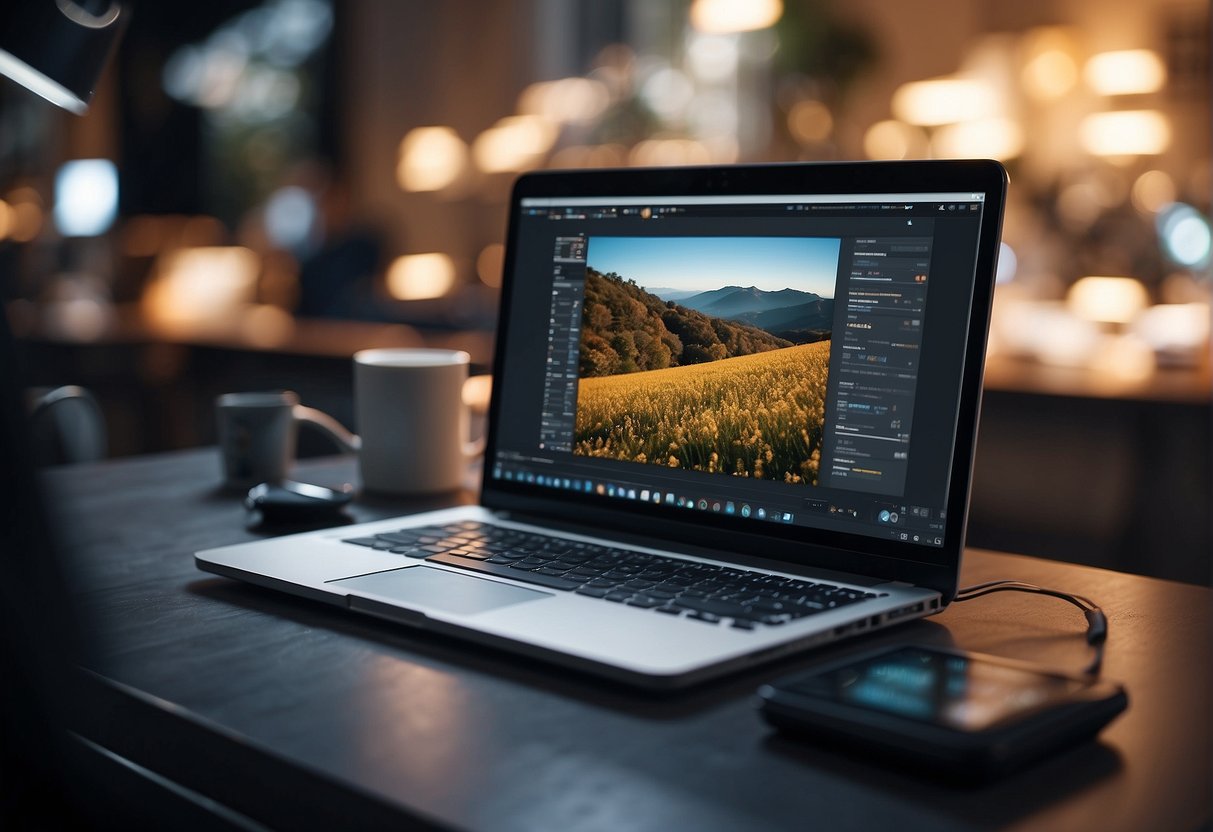
Platforms like Pixlr and Canva have pioneered in integrating AI capabilities into their online photo editing tools. They offer a suite of features that cater to the needs of today’s visual content creators, ranging from simple touch-ups to sophisticated design operations. The accessibility of these powerful tools in a web browser without the need for complex installations democratizes professional-level photo editing, making it accessible to a broader audience.
Key Takeaways
- AI photo editors allow for sophisticated image manipulation and enhancement with simple operations.
- Platforms like Pixlr and Canva offer advanced AI editing features through user-friendly interfaces.
- Accessible online, these AI photo editor tools make advanced editing achievable for a wider audience.
Essentials of AI Photo Editing
AI photo editing leverages artificial intelligence and machine learning to transform the realm of image enhancement. These tools enable both novice and professional photographers to perform complex edits easily and quickly.
AI-Powered Features Overview
AI photo editors offer an array of neural filters and tools designed to simplify the editing process. Features like Magic Erase and Remove Background harness machine learning algorithms to intelligently distinguish between photo subjects and their surroundings, empowering users to manipulate images with a level of precision previously unattainable. Tools such as Magic Grab and Retouch functions allow for the seamless removal of unwanted elements or the subtle enhancement of facial features.
- AI Background: Swaps and customizes image backgrounds with a single click.
- AI Image Editing: Tailors image attributes with advanced algorithmic assistance.
- Neural Filters: Change the mood, style, or age of subjects in photos by analyzing and applying complex transformations.
These AI features are incorporated into various platforms, from well-known Adobe Photoshop to accessible Photoshop alternatives.
Comparing AI Editors
When choosing an AI photo editor, considering the specific strengths and use cases of each platform is crucial.
Canva:
- Streamlined interface
- Ideally suited for social media content creation
- AI photo editing capabilities for quick adjustments and template-based designs
Pixlr E:
- Offers advanced editing features similar to Photoshop
- Accessible via web, no installation required
Adobe Photoshop:
- Industry-standard with extensive machine learning features
- Neural filters for in-depth manipulation of images
Luminar Neo:
- Focuses on creative editing with AI assistance
- Tools for enhancing landscapes and portraits
Comparing these editors involves assessing the level of control they offer versus the ease of use and automation. Users should select based on their skill level and the complexity of the tasks they wish to accomplish.
Enhancing Images with AI
The advent of AI in photo editing has streamlined the process of transforming images, offering automatic and sophisticated tools that simplify complex editing tasks.
Automatic Enhancements
AI photo editors are capable of executing automatic enhancements with a single click. Technologies like intelligent upscaling improve image resolution while maintaining quality, and retouch options automatically correct imperfections in images, such as overexposure or underexposure. These smart adjustments adapt to the content of the photo, often yielding professional results with minimal user input.
Subject and Background Separation
Advanced AI algorithms excel in subject and background separation, enabling features like background remover or remove bg tools. These functions swiftly create a transparent background or facilitate background removal with precision. This is particularly useful for users looking to isolate subjects for graphic design, e-commerce product listings, or profile pictures.
Creative AI Features
AI doesn’t stop at basic edits but extends to creative AI features which redefine the boundaries of image editing. Tools like magic edit powered by technology such as stable diffusion offer generative fill, allowing users to resize images and intelligently fill the expanded space. Similarly, features like sky replacement provide stunning visual changes by replacing dull skies with dramatic sunsets or clear blue expanses. The magic eraser swiftly removes unwanted elements, filling in the gaps with contextually appropriate AI generative fill.
Behind these advancements stands the merging of focus, upscaling, and generative expand to not only enhance but also imaginatively transform photographs.
Editing Tools for Composition

In the realm of AI-driven photo editing, composition tools are paramount for achieving a balanced and aesthetically pleasing image. These capabilities allow users to modify the structure and elements within a photo to enhance its visual impact.
Cropping and Resizing
AI photo editors provide advanced cropping and resizing tools that enable users to alter the frame and fit of their images. Users can crop to focus on the subject, changing the canvas size to suit various formats and purposes. Resizing an image, on the other hand, adjusts its dimensions while maintaining the optimal resolution for display across different media.
Layer and Object Control
Effective control over layers and objects within an image is crucial for composition. AI photo editors often allow for intricate object control, empowering users to remove objects, create cutouts, and reposition elements within the image, providing flexibility in editing the backdrop and the canvas size. This can be particularly useful in designs where layering is essential to the final composition.
Filters and Effects
AI photo editors offer a range of filters and effects to enhance the visual appeal of images. Incorporating bokeh, glitch, or dispersion effects can provide depth or dynamic movement. Also, options like auto black and white (b&w), color correction, and colorize tools aid in achieving mood and tone. These automated tools analyze the image and apply the selected effect, ensuring that the outcome is both professional and consistent.
Specialized AI Editing Tasks
With the evolution of AI technology, specific and complex photo editing tasks can now be automated, providing precision and efficiency in areas ranging from personal photography to professional marketing. These AI-driven tools cater to different niches, ensuring images meet their intended purpose with ease.
Portrait and Selfie Editing
Modern AI photo editors excel in portrait and selfie editing, leveraging tools designed to enhance facial features and skin tones. These programs often include bokeh effects to artistically blur backgrounds, focus improvements on the subject, and various filters that cater to skin smoothing and eye enhancement. Text prompts can direct generative AI to manipulate specific aspects of a portrait, making the subject stand out more prominently.
Landscape and Scenery Modifications
AI editing tools revolutionize landscape and scenery photography, with capabilities such as AI sky enhancements and sky replacement technology. They can dramatically alter the mood of a landscape photo by adapting the background to fit the desired aesthetic. Other features allow the AI image generator to adjust lighting conditions and bring out details that make the scenery more compelling, all prompted by simple text instructions.
Advertising and Marketing Uses
In the realm of advertising and marketing, AI photo editors streamline the creation of compelling product photos and logos, ensuring they are attention-grabbing and professional. The magic of magic grab can isolate products from unwanted backgrounds, and text to image technology transforms descriptive prompts into high-quality product images. These tools are also adept at generating social media graphics tailored for platforms like Facebook and Instagram, syncing with the brands’ visual identity and campaign messages.
Practical Application in Business
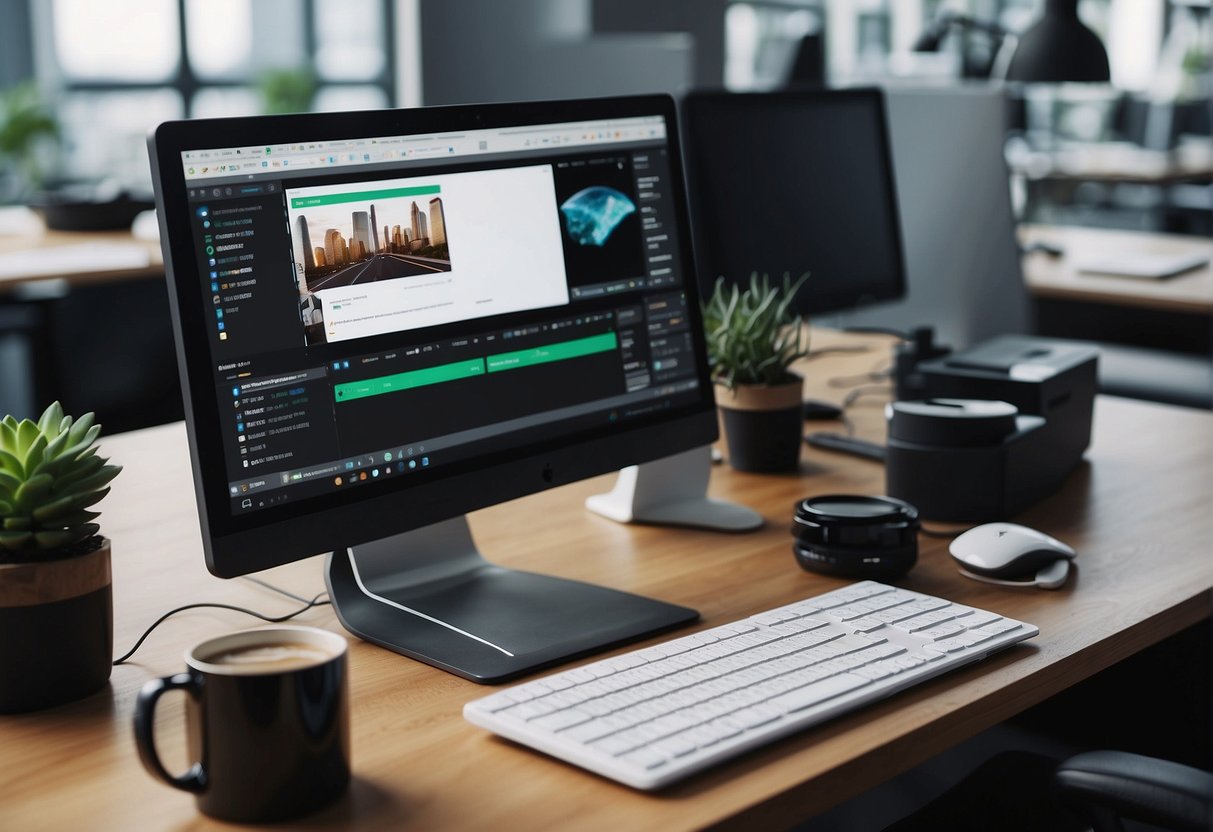
AI automatic photo editors are transforming the way businesses handle visual content, from upscaling product images to crafting engaging Instagram stories. These tools cater to a variety of business needs, ensuring brand consistency and fueling creative ideas for promotional materials.
Enhancing Product Visuals
Up-to-date product images are crucial in e-commerce. AI photo editors can enhance these visuals by automatically adjusting lighting and sharpening details, making products more appealing to customers. The upscaling feature is particularly beneficial, transforming low-resolution images into high-quality assets ready for online showcases.
Creating Promotional Material
Businesses frequently use AI photo editors to create posters and presentations that stand out. These editors can generate unique designs and dynamic layouts quickly, allowing marketing teams to develop creative ideas for campaigns without extensive design experience. This technology streamlines the creation of videos and Instagram stories, facilitating regular updates with fresh promotional content.
Brand Consistency and Aesthetics
Maintaining a unified brand image across all platforms is essential. AI photo editors assist in applying consistent filters and styles to various types of visual content, reinforcing the company’s aesthetic. Whether for a website or a social media feed, these tools ensure that each visual touchpoint meets the brand’s standards, helping to build a recognizably consistent presence online.
AI Photo Editors in Social Media
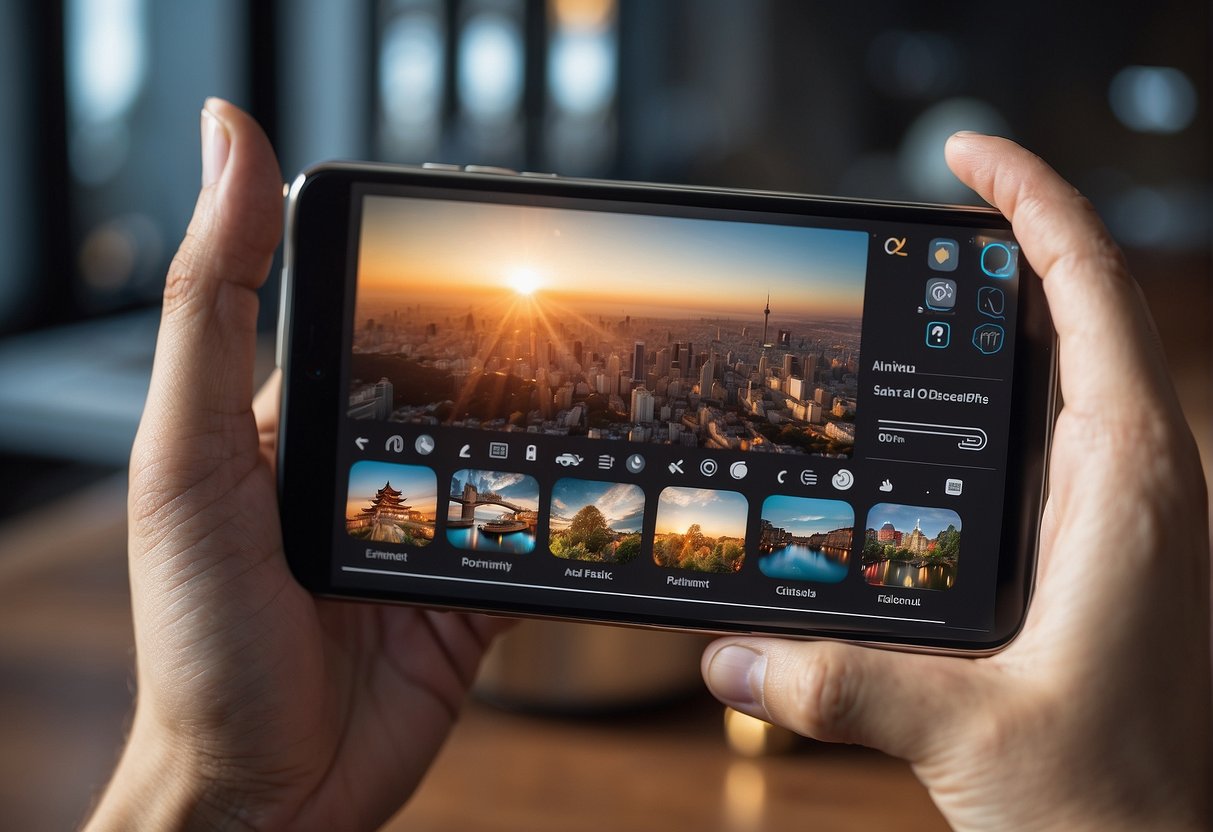
AI photo editors are transforming how images are crafted for social media by automating complex editing processes and making it easier to optimize content for different platforms. These tools are equipped with cutting-edge features that not only save time but also enhance the creative potential of social media graphics.
Optimizing for Platforms
Each social media platform has its own set of image requirements. AI photo editors simplify the task of resizing and tailoring visuals to meet these specifications. Instagram’s square layout, for example, demands a different approach compared to Facebook’s more flexible aspect ratios. AI-powered features allow users to quickly adjust an image to fit various feed styles while maintaining high-quality visuals. Innovations in these editors ensure that images convey the desired message without losing detail or clarity, whether it’s through intelligent cropping or automatic quality enhancements.
Trends and Viral Potential
The competitive nature of social media pushes content creators to tap into trends and the potential for virality. AI photo editors contribute by providing filters and editing tools that align with trending styles and aesthetics. They facilitate the editing process, turning a standard image into a standout piece with just a few clicks, making content more likely to catch the viewer’s eye and gain traction. As viral content often involves striking visuals that resonate with wide audiences, AI photo editors become an indispensable tool for content creators looking to make an impact on platforms like Instagram and Facebook, where visual appeal can greatly influence engagement rates.
Advanced Techniques and Tips
In the realm of AI photo editing, a deep understanding of advanced features can elevate one’s editing skill set significantly. Mastery over hidden functionalities and troubleshooting can streamline the editing process, while harnessing the full potential of AI can lead to unparalleled results.
Hidden Features and Shortcuts
AI photo editors often have hidden features that can drastically reduce editing time. For instance, some apps offer transparent layers to subtly blend effects. Moreover, knowing the right shortcuts can expedite the editing workflow. Users can look for a comprehensive list of keyboard shortcuts within the help section of their chosen AI photo editor.
Troubleshooting Common Problems
When encountering issues such as unsatisfactory results from text to image AI tools, users should first ensure they’re providing clear and specific prompts. Additionally, recalibrating settings to match the desired output can rectify common problems. For persistent issues, consulting the software’s FAQ or support forum typically provides solutions.
Maximizing AI Capabilities
To truly maximize AI capabilities, users must be familiar with the software’s range of tools. Some AI photo editors can turn text to images, making it easier to visualize concepts. Experimenting with such features can unlock creative potentials that may not be immediately obvious. It is beneficial to stay updated on the latest software updates for enhancements and new features.
Pricing and Accessibility
In the realm of AI automatic photo editors, consumers navigate a marketplace with diverse pricing models and varying levels of access. The key considerations for users include understanding the cost of subscription versus one-time fees, differentiating between the functionalities of free and paid versions, and seeking the most suitable editor for their needs.
Understanding Subscription Models
AI photo editing tools often come with various subscription models. For instance, Canva Pro operates on a monthly or annual subscription, offering additional features such as magic resize and background removal. Users must assess if the recurring cost aligns with their usage frequency and the value derived from advanced features.
Free vs. Paid Features
Many photo editors like Pixlr X and Pixlr Express present a two-tiered system: basic tools are free, while more sophisticated options are paid. A common practice among these platforms is to allow casual users to make simple edits for free, while professionals can opt for paid features to remove noise, enhance images, or use AI-driven capabilities at home or on the go.
Recommendations for Users
Users should evaluate their needs against the pricing and access offered by these tools. For regular or heavy users requiring advanced edits, investing in a paid version might be more cost-effective in the long run. Casual users or those experimenting with AI photo editing may find that the free versions sufficiently meet their needs without any financial commitment.
Frequently Asked Questions
Navigating the world of AI photo editing tools can be complex. This section addresses some common inquiries to clarify their capabilities and what sets them apart from traditional software.
What are the top features to look for in an AI-powered photo editing tool?
Key features to look for include automatic object removal, background replacement, and style transfer capabilities. High-quality AI photo editors provide tools like Magic Eraser for effortless object and distraction removal.
How does an AI photo editor differ from traditional photo editing software?
AI photo editors utilize machine learning algorithms to automate complex tasks, offering intuitive editing that often surpasses manual adjustments found in traditional software. They can analyze and improve images with minimal user input.
What are the benefits of using AI technology for automatic photo enhancements?
AI technology simplifies photo editing by automating tasks, saving time, and often delivering results that might require extensive manual editing skills. It can provide instant corrections and creative effects that cater to both amateur and professional users.
Can AI photo editing apps improve the quality of low-resolution images?
Yes, many AI photo editing apps can upscale images and enhance details, resulting in improved quality of low-resolution photos. They deploy advanced algorithms that can add clarity and reduce pixelation.
Are there any free AI-based photo editors that provide professional results?
There are free AI-based photo editors available, like Kapwing, which offer a range of editing tools that can deliver impressive results without the need for a subscription or professional experience.
How do AI photo editors handle complex editing tasks like object removal or style transfer?
AI photo editors can effectively handle complex edits by recognizing patterns and context within an image. For instance, they can remove objects seamlessly or apply new styles while considering the overall composition and lighting of the picture.