How to Create AI Comics: A Concise Guide for Success
Creating comics has evolved with the integration of artificial intelligence (AI) technology, making it possible for artists and storytellers to develop unique stories in a fraction of the time. AI-powered tools have become increasingly accessible, allowing both professionals and enthusiasts alike the opportunity to explore new ways of expressing their creativity. These tools assist in everything from writing and illustrating to designing and editing, giving users control over their AI-generated comic masterpieces.
As AI technology advances, it continues to redefine the comic creation process, providing users with an array of options when it comes to character design, illustration styles, and narrative development. These tools not only generate fresh ideas but can also adapt to the users’ preferences and vision, making the creative process more interactive and efficient.
Key Takeaways
- AI technology has revolutionized the comic creation process, assisting with writing, illustrating, and editing.
- AI-powered tools offer a wide range of customizable options in character design, illustration styles, and narrative development.
- The future of AI in comic creation promises even more advanced and user-friendly tools for both professionals and enthusiasts.
Understanding AI and Comic
Artificial intelligence (AI) is a branch of computer science that aims to create machines that can perform tasks that would typically require human intelligence. By leveraging AI, you can create and experience a vast array of applications, ranging from natural language processing to image recognition. In recent years, AI has found its way into art and creative domains, one of which is comic creation.
As a comic enthusiast, you may have wondered how AI can help in generating comics. With the continuous advancements in AI technology, you can now access tools like AI Comic Factory to produce your very own comic panels. Harnessing the power of AI models such as Meta’s Llama-2 70b, these comic generators provide predefined styles and genres to choose from while creating the story you have in mind.
To get started, simply input a description of the scene and story you want to tell. The AI will then interpret your text and generate a corresponding comic panel. You can further customize the output by choosing the desired style and genre, ensuring the final product aligns with your vision. With AI-powered tools, the possibilities are endless, and you can create comics in a fraction of the time it would take using traditional methods.
Embracing AI in your comic creation process offers numerous benefits, such as:
- Efficiency: AI-generated comics significantly reduce the time and effort required to create detailed panels and storylines.
- Consistency: Leveraging AI ensures that the comic panels maintain a consistent style throughout the story.
- Experimentation: With a plethora of styles, genres, and themes available, AI allows you to explore and experiment with various storytelling possibilities, expanding your creative horizons.
As you explore the world of AI-generated comics, remember to stay up-to-date with the latest advancements in AI technology. By doing so, you’ll be able to continuously improve your comic creations and make the most of the power of AI in shaping your stories.
The Role of AI in Comic Creation
In recent years, AI has been making a significant impact in various creative industries, including comic creation. Harnessing the power of AI can be a great way to streamline the comic creation process and bring your ideas to life. Here, we will discuss how AI can assist you with different aspects of comic creation, such as generating artwork and refining comic styles.
Firstly, AI can help you generate various images and artwork simply by describing them through words. Using platforms like Shortbread and the AI Comic Factory, you can provide a description of the desired scene, and the AI model will produce custom comic panels or pages within seconds. This is especially helpful for non-artists who wish to create visually impressive comics without having to master drawing techniques themselves.
Another aspect where AI comes into play is in refining comic styles. By analyzing large datasets of existing comic artworks, AI can learn different artistic styles and apply them to your own comic panels, helping you achieve a distinct visual identity for your story. Additionally, AI can assist you in experimenting with various color schemes and shading techniques, enhancing the overall appearance of your comic.
Moreover, AI can streamline the process of creating speech bubbles and text elements in your comic. Rather than manually tweaking font sizes, shapes, and placements, AI algorithms can analyze the context and content of dialogues, generating appropriate speech bubbles that blend seamlessly with your comic’s visuals.
Here is a summary of the benefits AI offers in comic creation:
- Artwork generation: Generates images and panels based on your descriptions.
- Style refinement: Adapts and applies different artistic styles to your work.
- Speech bubble creation: Automates the generation of speech bubbles and text elements.
In conclusion, integrating AI into your comic creation process can save you time, enhance your artwork, and help you create a unique visual style. By leveraging the power of AI, you can focus more on the storytelling aspect while letting AI assist you with the visual elements of your comic.
The AI Comic Factory
The AI Comic Factory is an innovative platform that allows you to generate comics using artificial intelligence. With its user-friendly interface, you can create custom comic pages by simply using a text description of the scene and choosing from a variety of art styles.
To begin with, you’ll want to choose an art style that suits your vision for the comic. The AI Comic Factory offers options such as Japanese manga style, American comic style, and many more, ensuring that there will be a style that aligns with your creative vision.
After selecting the desired art style, you can proceed to the layout configuration stage. The layout pertains to the arrangement of panels on the comic page. With four different layout options, you have the flexibility to customize how your comic will be presented to your audience.
Creating the content for your comic is as simple as typing a description of the scene or story you want to convey. The AI model, trained on thousands of comics, will interpret your text and generate a custom comic panel or page in a matter of seconds. This level of accessibility makes comic creation possible even for non-artists.
Some key features of the AI Comic Factory include:
- Ease of use: The intuitive interface allows you to focus on your creativity rather than learning complex software.
- Customization: You have control over the art style, layout, and content, allowing you to refine and fine-tune your comic’s appearance.
- Quick response: The AI model generates comic panels and pages in just a few moments, saving you time and effort.
Overall, the AI Comic Factory is designed to make the process of creating comics simple and accessible to individuals of all skill levels. By incorporating it into your workflow, you can efficiently generate engaging and visually appealing comics that capture your audience’s attention.
Scripting a Comic With AI
Creating a comic with the help of AI can be both fun and time-saving. By utilizing available resources, you can craft an engaging story using AI-generated script and dialogue. Let’s dive into the process for scripting a comic with AI.
To begin, you need to outline your comic’s story. This involves brainstorming the main plot points, characters, and setting. You can create a simple list of essential story elements, like this:
- Plot: A superhero saves their city from a villain.
- Characters: Superhero, villain, and citizens.
- Setting: A bustling metropolis.
Next, use an AI tool like OpenAI Playground to help you generate script and dialogue for your comic. Input your story elements by describing the scene and the intended interactions between characters.
For example, let the AI know you need a dialogue between a superhero and a villain that has a dramatic and tense tone. Additionally, include any specific lingo or catchphrases you want your characters to use.
After feeding the AI the required information, it will generate a script containing appropriate dialogue and scene descriptions. Make sure to review and edit the text to match your vision.
At this stage, you may want to add captions and thought bubbles to provide more depth and context to your comic. Italicize thoughts and emphasize important information with bold text. For instance:
Superhero: You won’t get away with this, Villain! Villain: We’ll see about that, Superhero. (Villain smirks confidently) Caption: Meanwhile, the citizens flee from the chaos…
Finally, import your script, dialogue, and captions into your chosen AI comic generator, such as Shortbread or Comicify. These tools will assist in converting your text into visually appealing comic panels.
And there you have it! By following these steps and using AI technology, you’re on your way to create an engaging and visually captivating comic.
Designing Images and Illustrations With AI
Creating AI-generated images and illustrations can be a game-changer for your design projects. Let’s dive into how you can harness the power of AI to create captivating visuals from textual descriptions or existing images.
To start with, you can use an AI Comic Generator like the one available on Perchance. This tool is free to use and doesn’t require any sign-up. It can generate vintage comic characters, modern-style comic panel/strip images, and even political/editorial comics.
If you want to create comic books with AI, you can follow the steps from this ZDNET guide. First, enter descriptions of your desired scenes and stories into an AI tool like the AI Comic Factory. This will help generate the foundation for your illustrations.
Next, move on to refining your images. You can utilize an AI Cartoonizer like ArtGuru. Select a specific style or enter a text prompt to guide the AI in creating the desired cartoon style for your illustrations.
In addition, it doesn’t hurt to explore other AI services that create images from textual descriptions. Dall-E2 is a popular choice mentioned in this Medium article, and it’s straightforward to use.
When it comes to customizing your AI-generated comics, you can try Fotor’s AI Comic Generator. Enter your story text, choose a comic style, and let the AI visualize your story. You can then customize the comic elements to perfect your masterpiece.
With these tools and services at your disposal, you are well-equipped to create amazing AI-powered illustrations and scenes. Give it a go and let your creativity soar with the assistance of AI technology.
Character Styles in AI Comics
In the world of AI-generated comics, you have a plethora of character styles to choose from. As a creator, it is important to consider the types of characters that will best complement your story. Remember to provide clear descriptions to the AI so it can generate accurate portrayals based on your vision.
The range of characters can vary from simple humanoid forms to intricate, futuristic sci-fi beings. Additionally, you are not limited to human characters. If you are aiming to add some diversity to your panels, introducing non-human characters such as cat-like creatures or extraterrestrial beings can certainly enhance the visual appeal.
AI-generated comics offer several noteworthy character styles, allowing you to create unique narratives. Let’s look at some popular styles:
- Realistic: Humanoid characters with realistic proportions and features.
- Cartoonish: Characters with exaggerated and humorous features, typically seen in comedic or lighthearted stories.
- Manga: Japanese-styled characters, typically found in manga and anime content.
- Sci-Fi: Characters inspired by futuristic and technologically advanced worlds, like cyborgs or space travelers.
- Animal: Animal characters or anthropomorphic creatures, such as talking cats or half-human hybrids.
To get the best results from AI comic generation tools like Shortbread or AI Comic Factory, ensure your description includes relevant details about your chosen character style. For instance, if you want a humanoid character with cat features, you may describe them as “a humanoid character with cat ears, whiskers, and a tail, dressed in a futuristic outfit.” This level of detail will help guide the AI in generating appropriate visuals.
In conclusion, character styles play a crucial role in bringing AI-generated comics to life. Experiment with various types, mix and match different styles, or even develop your own unique aesthetic to create the perfect story.
Exploring International Comic Styles
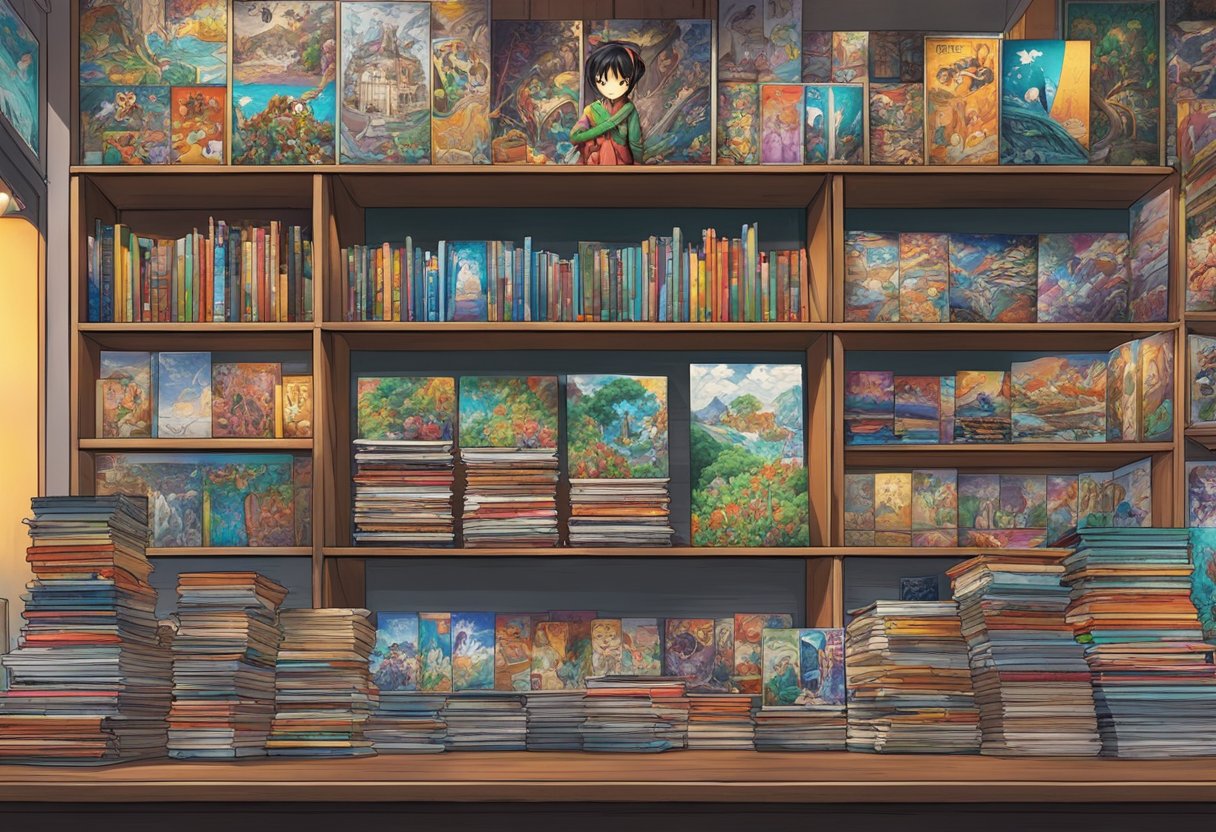
Creating AI comics gives you the opportunity to explore various international comic styles, such as Japanese manga and American comics. Each style has its distinct features, making it essential to understand their characteristics for effective storytelling.
Japanese Manga: Manga is a popular form of comic art originating from Japan. Known for its intricate storytelling and visually dynamic art, this style typically features well-defined characters with expressive faces and unique costumes. When using AI to create manga, consider incorporating the traditional manga panel layout, which often follows a top-to-bottom and right-to-left reading order. Keep in mind that this reading order is reversed in translated manga for Western audiences. Websites like Shortbread offer a platform to create manga-style comics, providing AI tools to help you bring your story to life.
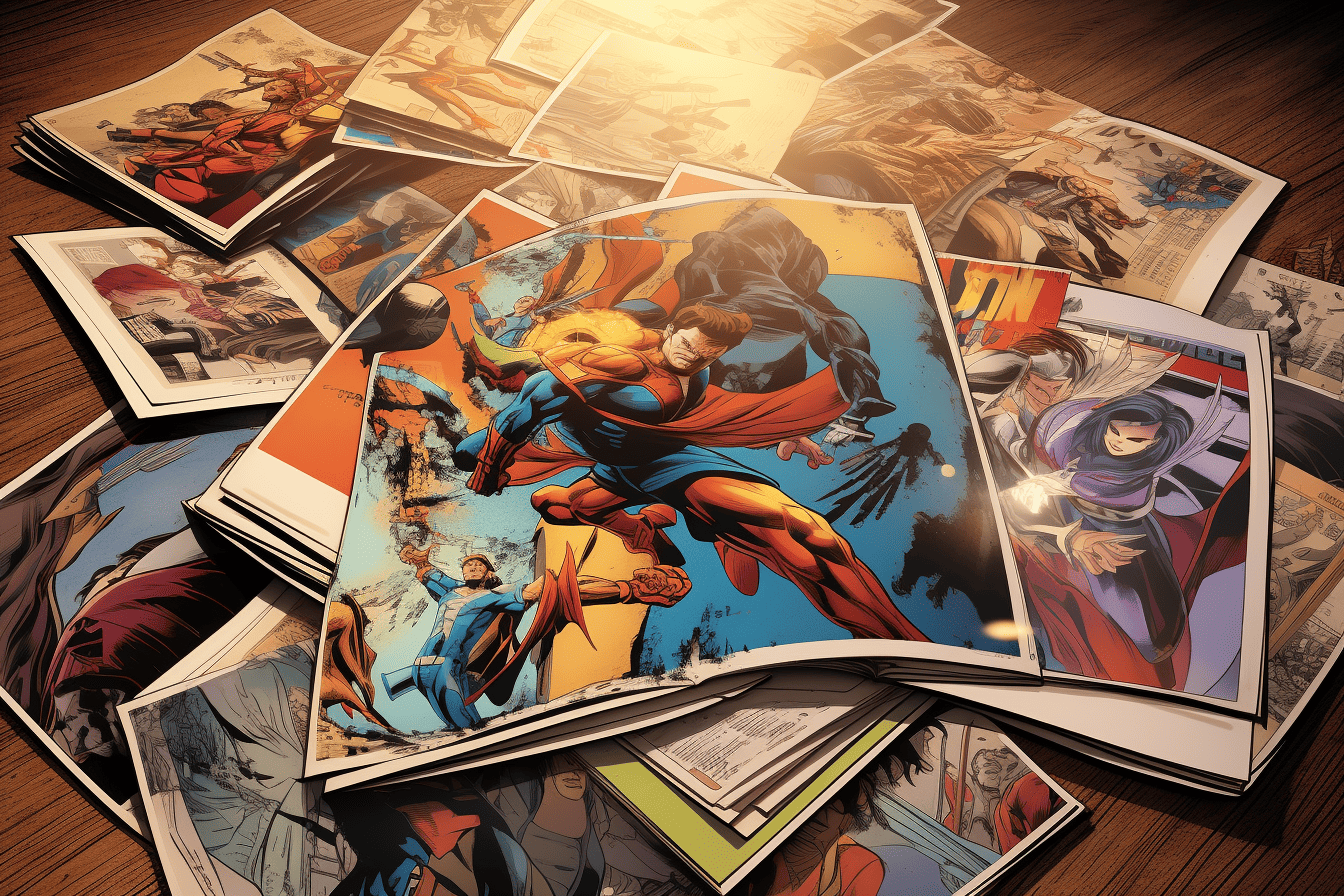
American Comics: On the other hand, American comics primarily focus on superhero themes with vibrant illustrations and dynamic action sequences. Compared to manga, the panel layout is more diverse, often experimenting with various configurations to fit the story’s pacing and tone. If you’re aiming for an American comic style, ensure that your AI-generated comic includes bold line art, strong colors, and dramatic action. Tools like the AI Comic Generator can help you create comics with those distinct features associated with the American comic aesthetic.
Regardless of the style you choose, it’s important to maintain consistency throughout your AI-generated comic to ensure a cohesive and engaging reading experience. Additionally, familiarizing yourself with comic conventions and visual language will enrich your storytelling and make it more appealing to your target audience.
Editing and Printing AI Comics
Utilizing AI technology to create comics is a captivating way to express your ideas without the need for artistic expertise. Once you have generated your comic, it’s essential to fine-tune it by editing and printing the final product.
When editing your AI-generated comic, it’s crucial to look at the visuals and adjust the elements that need improvement. Make use of platforms like AI Comic Factory and Shortbread to get started. These tools offer the option to edit individual panels, tweak the layout, and modify any aspect that doesn’t quite match your vision.
Next, you’ll want to focus on enhancing the dialogue. AI-generated conversations can sometimes feel a bit off or lack the desired tone. To ensure your comic has a powerful impact, consider revising the dialogs and adding expressive speech bubbles to enhance the overall experience. Remember, the key is to strike a balance between visuals and dialogue.
After refining the visuals and dialogues, you’re ready for the next step: printing your comic. You might choose to print your comics at home or work with a professional printing company. Keep in mind the following factors when printing your AI-created comics:
- Determine the appropriate size and format for your comic.
- Choose suitable paper and ink quality to ensure longevity.
- Consider the layout and binding options that best fit your comic style.
Finally, pay attention to the resolution and color settings, as these factors greatly impact the final product. You want your printed comic to accurately represent your ideas and efforts.
In summary, when creating AI-generated comics, remember to thoroughly edit and carefully print your masterpiece to ensure it reaches its full potential. Keep exploring the unlimited possibilities that AI offers in the world of comic creation.
Utilizing AI Comic Tools
Creating AI-driven comics can be a rewarding and efficient way to develop your storytelling skills and bring your ideas to life. There are several tools available to help you on your journey, but we will focus on the most user-friendly and accessible options.
One of the popular AI comic creators is the AI Comic Generator. This free tool allows you to generate comics by simply inputting text descriptions, and the AI will translate your story into visually appealing comic panels. The generator offers various styles, including vintage and modern comic characters, as well as political/editorial comics. No sign-up or login is required, making it an excellent choice for beginners to test their creative ideas.
Another powerful AI Comic tool is Shortbread, which provides a platform to create comics, manga, and webtoons, all within minutes. Using Shortbread, you can convert your concepts, unique characters, or specific moods into fully realized comic pages. Moreover, you have the flexibility to control and edit each panel, create speech bubbles, and customize the artwork based on your preferences.
To dive into the world of AI comics, follow these general steps:
- Choose a suitable AI comic tool, such as the AI Comic Generator or Shortbread.
- Provide a text description of the scene and story you want to create.
- Set your preferred comic style, genre, or artistic theme.
- Generate the comic page using the AI Tool.
- Review and refine the result, adjusting dialogues, character positions, colors, etc.
It’s worth noting that platforms like Canva offer a wide range of templates and graphic elements designed for creating traditional comics. While Canva doesn’t have AI features, it’s a great complementary tool which ensures that you can enhance your AI-generated comics. Don’t hesitate to combine AI comic tools with other programs like Canva to achieve the best results.
In conclusion, utilizing AI comic tools can transform your storytelling experience, making it more engaging and enjoyable while saving time. With these tools and your creativity, you can unlock your potential to create stunning and captivating comics.
The Future of AI Comics
As you delve into the world of AI comics, you’ll discover the cutting-edge tools and advancements that are shaping the industry. Embracing AI can open a new world of possibilities for your creativity, leading to a unique blend of human and machine-generated art.
In the realm of AI comics, the use of Midjourney is becoming increasingly prevalent. This powerful AI art generator allows you to create visually striking comic book panels that can match your wildest imagination. Not only does it grant you the ability to design intricate scenes and characters but also ensures that your comic stands out from the rest.
There’s no denying the wonders that AI technology can bring to the table. Imagine incorporating a secret subplot into your comic, infused with a sense of mystery and wonder. AI-generated content, such as the appearance of a flying saucer, can give your story a unique twist, engaging your audience with unforeseen twists.
In the not too distant future, the landscape of comic book creation may be transformed by advancements in AI technology. With further improvements in AI systems, you will witness:
- Real-time collaboration between comic artists and AI, resulting in dynamic and engaging content.
- Greater sophistication and versatility in AI-generated art, pushing the boundaries of conventional comic book design.
- Interactive multimedia experiences that blend sound, animation, and other immersive elements to captivate readers.
Here are a few ways you can take advantage of the future of AI comics:
- Experiment with AI art generators like Midjourney to create distinctive visuals for your comic book stories.
- Collaborate with other comic enthusiasts who share your passion for innovation and creativity in this field.
- Stay informed about the latest breakthroughs in AI technology, and be prepared to embrace new possibilities in your creative process.
Remember, your journey into the world of AI comics has just begun. By staying ahead of the curve and maximizing the potential of AI in your work, you’ll create breathtaking and unforgettable stories that leave a lasting impression on your readers.
FAQs
What are the best tools for creating AI-generated comics?
There are several AI-powered tools available to help you create comics. Some of the best tools include Shortbread, AI Comic Generator on Perchance, and AI Comic Factory. Each tool has its unique set of features and user interfaces, so it’s essential to explore them to find which one works best for you.
How can I use text inputs for generating AI comics?
Text inputs help guide the AI in creating your custom comic panels. You generally start by providing a description of the scene and story you want to create. The AI then uses this text input to generate a visual representation of your description. Some tools, like AI Comic Factory, also allow you to add speech bubbles and text, further customizing your comic.
Are there free AI-powered comic creation apps?
Yes, there are free AI-powered comic creation apps available. AI Comic Generator on Perchance offers a free, no-sign-up option that you can use for creating comic panels from text inputs. Be sure to read the terms and limitations of each app to find out if they meet your needs and requirements.
How to turn my story into a comic using AI?
To turn your story into a comic using AI, start by finding a suitable comic generation tool, like Shortbread. Then follow the steps provided by the chosen tool, which generally involve inputting your story or scene descriptions and selecting various parameters such as characters, backgrounds, and styles. The AI will then generate your comic based on the inputs provided, and you can further edit and refine the comic panels as needed.
What features should I look for in an AI comic maker?
When choosing an AI comic maker, some essential features to look for include the quality of visual outputs, ease of use, customization options, available templates or styles, and AI-generated text placements like speech bubbles. Additionally, consider both free and paid options, depending on your specific needs and intentions for using the tool.
Can I create a personalized comic book using AI technology?
Yes, you can create a personalized comic book using AI technology. Many AI comic makers, like Shortbread and AI Comic Factory, enable you to create customized comic panels by providing scene descriptions, choosing characters, and editing the panels to fit your vision. With some effort and creativity, you can turn these individual panels into a cohesive and personalized comic book.