How to Edit YouTube Videos with AI: Mastering Cutting-Edge Editing Techniques
Last updated on January 3rd, 2024 at 07:54 pm
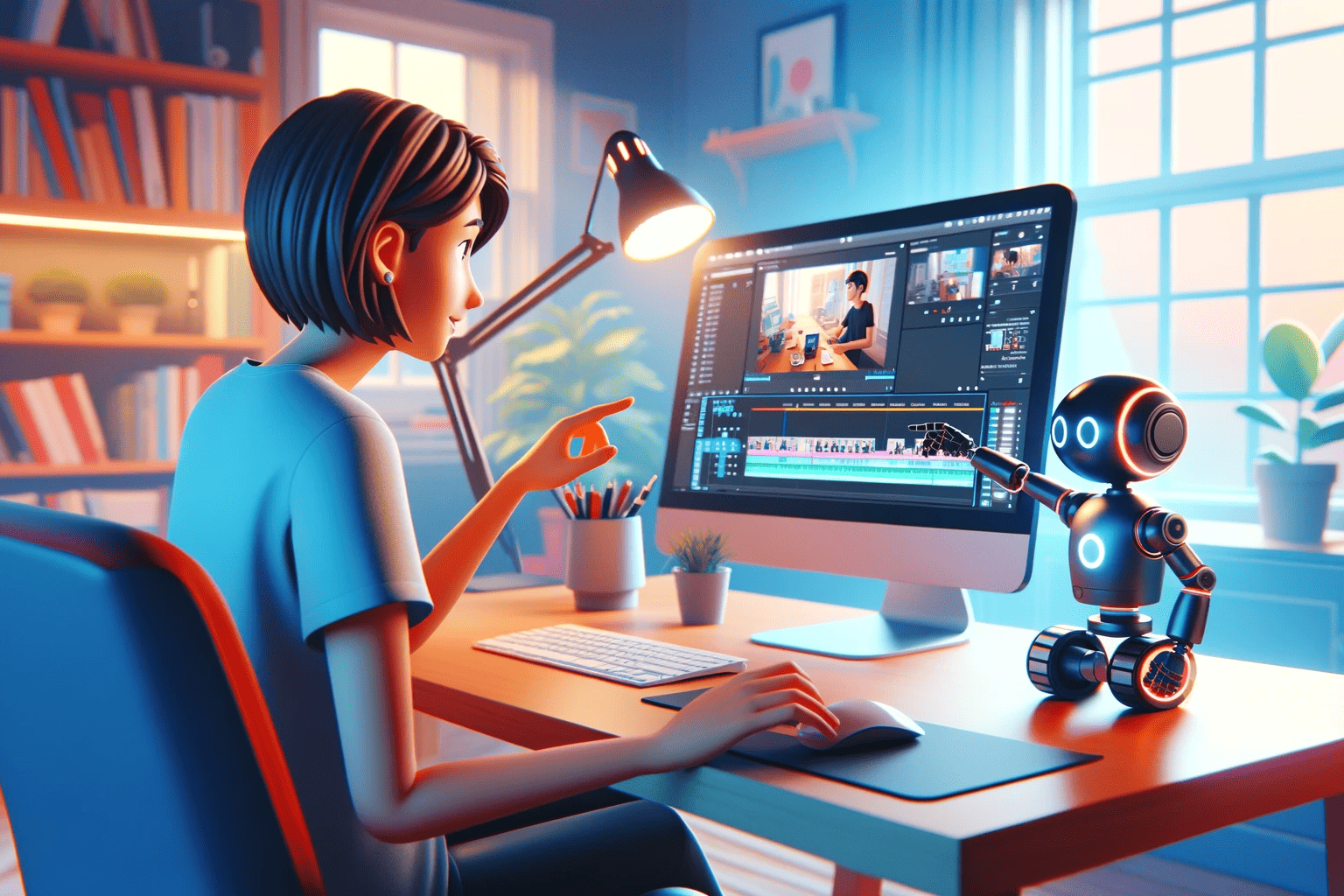
Editing YouTube videos can be a time-consuming task, but artificial intelligence is changing the game. AI video editing tools streamline the editing process by automating many of the repetitive tasks that can bog you down. From creating seamless transitions to adding sophisticated effects, AI technology can assist even novice editors in crafting professional-quality videos with relative ease.
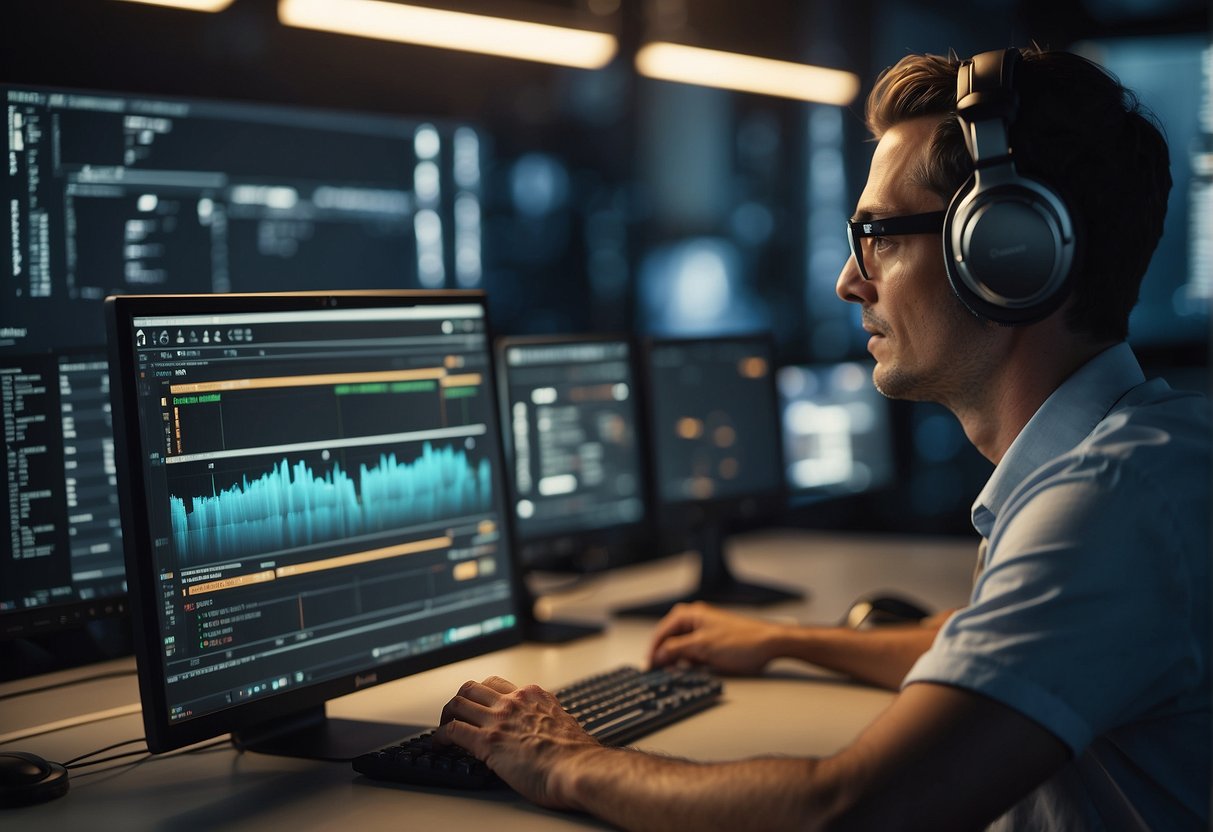
By leveraging AI, you can enhance the quality of your YouTube videos without needing a deep background in video editing. AI tools can optimize your videos for search algorithms, helping your content stand out amidst the sea of digital media. From generating automatic subtitles to crafting custom animations, AI enables you to focus on the creative elements of video production, ensuring your videos are engaging and visually appealing.
Key Takeaways
- AI video editing allows for efficient, sophisticated video creation.
- Enhanced video quality and SEO optimization are possible with AI tools.
- AI helps personalize content, making videos more engaging for viewers.
Understanding AI in Video Editing
Artificial Intelligence (AI) is revolutionizing the way you edit videos, providing tools that can enhance your storytelling and production quality. AI video editing software streamlines complex tasks, enabling you to focus more on creative aspects.
Fundamentals of AI Video Editors
AI video editors incorporate intelligent algorithms that analyze and process your footage. Features such as automatic color correction, sound design, and object recognition save you time by removing the need for manual adjustments. For instance, these tools can quickly identify and categorize scenes, people, or objects within your videos. This allows for automated editing tasks like trimming, sequencing, and even applying transitions that flow naturally.
The Evolution of AI Tools for Video Editing
The evolution of AI tools for video editing is marked by continuous improvement in speed, efficiency, and user-friendliness. Initially, AI was used in basic tasks such as video stabilization and noise reduction. Today, AI video editing software can perform complex tasks like creating dialogue-driven scene cuts or suggesting edits for narrative pacing. How to Edit YouTube Videos With AI showcases how these advances go hand-in-hand with a growing need for rapid content creation, allowing you—even if you’re a beginner—to produce high-quality content.
As the capabilities of AI continue to advance, you can expect an ever-expanding suite of tools that further simplify the editing process, making it more accessible to creators at all levels.
Getting Started with AI Video Editing
Embarking on the journey of AI video editing opens up a world of creative possibilities. From automating tedious tasks to generating complex video sequences, AI software is revolutionizing the way you approach video production.
Choosing the Right AI Video Editing Software
When selecting AI video editing software, it’s essential to consider the compatibility with your operating system. Whether you use Windows, Mac, phone, or tablet, ensure that the software you choose supports your device. Descript and Runway are two robust options that cater to different platforms, making them suitable for a variety of users.
Here is a quick list to guide you through the options:
- AI Video Generator: Ideal for creating videos from text or generating clips.
- Lumen5: Perfect for social media content creators looking for automated video creation.
- InVideo: Offers a balance of AI-driven features with traditional editing tools.
- Free Trial: Check if the software provides a free trial to test features before purchase.
Setting Up for Your Editing Project
Before diving into your editing project, prepare your workspace and resources. Ensure you have:
- Sufficient storage: AI-based editing can be resource-intensive.
- High-speed Internet: Necessary for cloud-based software like Descript.
- Updated device drivers: Keep your hardware in sync with the latest software releases.
By addressing these key setup requirements, you’ll be poised to harness the full potential of AI in your video editing projects.
Crafting Your Video Content
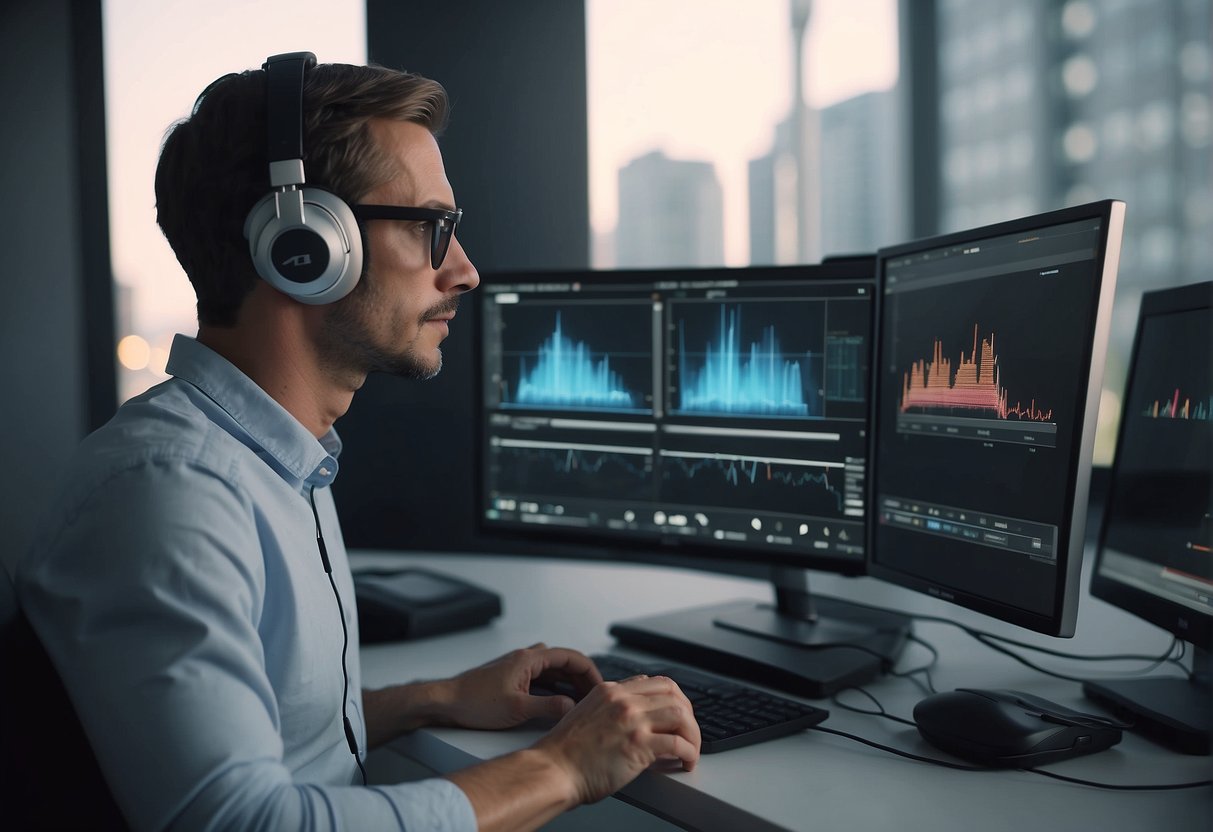
Creating engaging content starts with a strong foundation, and for video, that means having a well-structured script. You’ll need to focus on delivering your message with clarity and ensuring that the language and voice you use resonate with your audience. Let’s dive into how you can develop an impactful script and how AI script generators can aid the process.
Developing a Compelling Script
When writing your video script, remember that every word counts. Start by outlining your key points to establish the flow of information. Aim for a language that is concise and direct to keep your viewers engaged. Consider the voice of your video — this could be your actual voice or a narrator’s — it should reflect the creativity and tone of your content. Your script is the blueprint of your video; make sure it’s clear, compelling, and reflects the core message you aim to communicate.
Working with AI Script Generators
AI script generators can significantly streamline the scriptwriting process. These tools can help you construct a draft based on your input, which you can then refine to suit your voice and style. Utilize an AI-powered video creator to transform basic outlines into detailed scripts, saving time on brainstorming and initial drafting. Remember, while the script generator is a powerful ally, your final touch is crucial to infuse the script with authenticity and creativity.
Improving Video Quality with AI
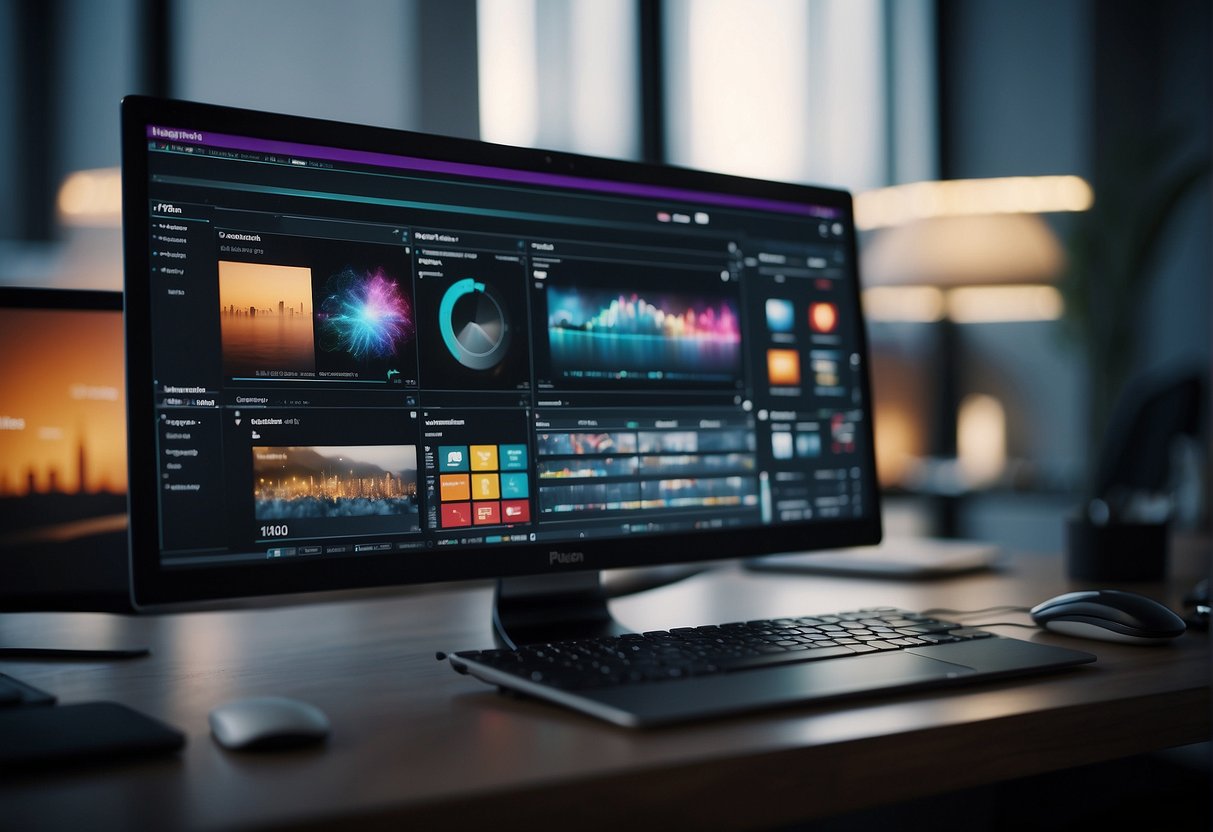
In the realm of YouTube content creation, maintaining high video quality is pivotal. AI technology comes to your aid by enhancing both the visual and auditory elements of your videos.
Utilizing AI for Enhanced Imaging
AI software remarkably improves the resolution and clarity of your images. Tools like AVCLabs Video Enhancer AI allow you to upscale video content, ensuring your viewers enjoy high-definition quality even if the original footage wasn’t shot in HD. Additionally, platforms like Synthesia create AI avatars that can deliver your content in a visually appealing way without the need for expensive video equipment or sets.
- AI Upscaling: Convert low-res videos into higher resolutions.
- AI Avatars: Use synthesized characters for presenting your content.
Leveraging AI for Better Sound Quality
AI does not stop at images; it also enhances your video’s sound. An AI voice generator, such as Pictory, can produce professional-sounding voiceovers, eliminating the need for costly microphone setups or soundproofing. With clear, crisp, and modulated AI voices, the auditory experience of your video content significantly improves, engaging your audience more effectively.
- AI Voiceovers: Generate natural-sounding narratives for your videos.
- Sound Clarity: Remove noise and improve sound quality with AI tools.
Optimizing Videos for YouTube
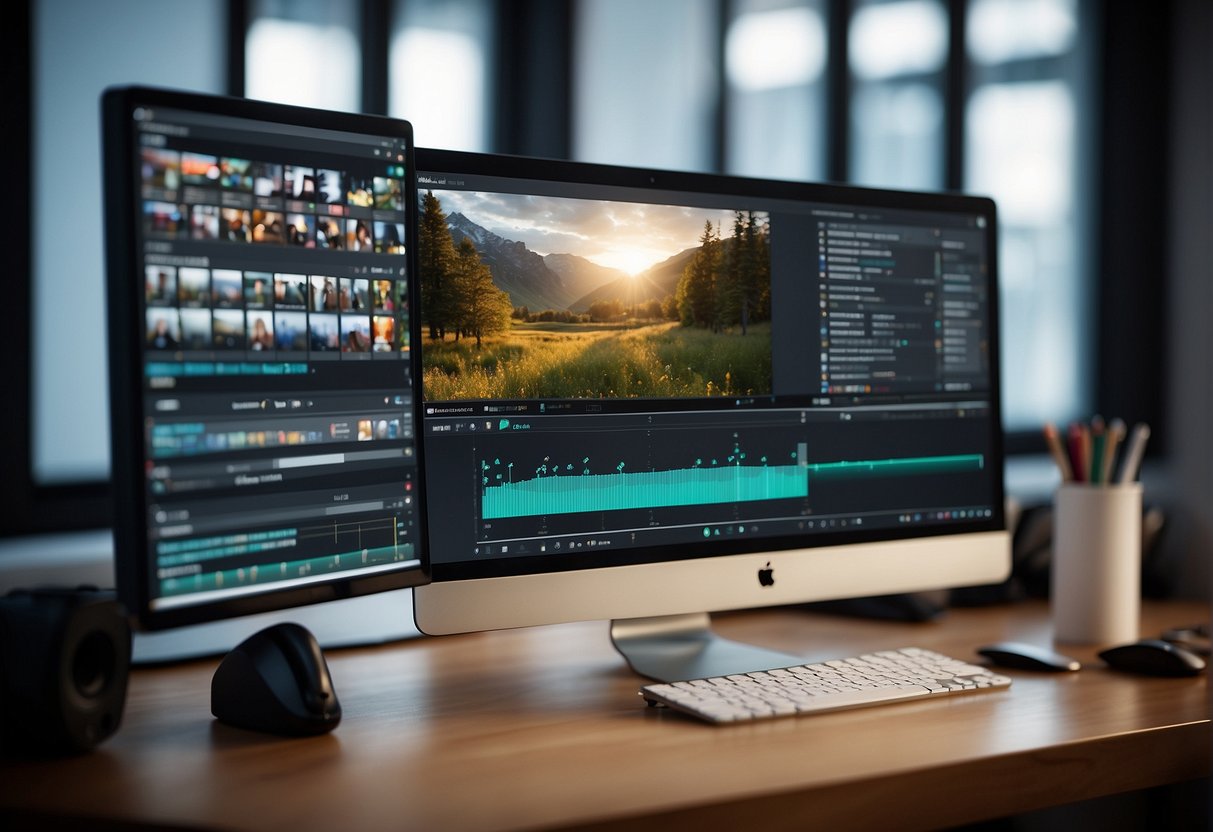
When editing your YouTube videos, incorporating advanced AI features and following SEO best practices are crucial steps to stand out and reach your audience effectively.
Enhancing YouTube Videos with AI Features
AI-driven YouTube video editors are transforming the way you create content. These powerful video editing tools can automate tedious tasks such as color correction, audio enhancements, and even the creation of engaging thumbnails. For example, with AI software, you can quickly sharpen and upscale your video’s resolution, effectively breathing new life into your content. A standout tool in this category is Descript, which not only edits video but also allows for advanced transcription and editing of spoken text, aligning your video content with the relevant keywords and topics that resonate with your audience.
Researching and Implementing SEO Best Practices
Your video’s visibility hinges on well-researched and implemented SEO strategies. Start by carefully crafting your description with relevant keywords that describe your video accurately and compellingly. Use tools designed to maximize your YouTube presence, offering insights into what your audience is searching for. Implementing these SEO best practices ensures that your video is indexed and ranked for maximum visibility, driving organic traffic to your content. Lists, such as those generated by VidIQ, can show you the best keywords to use, while also providing a dashboard to track your video’s performance.
Creating Engaging Visual Elements
In the competitive landscape of YouTube, your videos must stand out visually to capture and retain viewer interest. Focus on crafting titles that demand attention and transitions that smooth the journey from one scene to the next.
Designing Attention-Grabbing Titles
Titles are your audience’s first point of contact and can make a significant difference in click-through rates. Your thumbnail plays a supporting role, acting as a visual handshake. To ensure your titles pop, utilize bold fonts and contrasting colors that align with your video’s vibe. When incorporating titles into your video, consider applying subtle animations to draw the eye and add a layer of professionalism.
Developing Effective Transitions and Animations
Transitions and animations guide viewers through your narrative, keeping engagement high. For instance, a well-crafted intro can set the stage for your content, while seamless transitions keep viewers immersed. Employ transitions like fades or cuts judiciously to maintain a narrative flow. Additionally, use visual effects to enhance key moments without overwhelming the content. Remember, your goal is to complement your storytelling, not distract from it.
Advanced Editing Techniques
In this section, you’ll dive into the advanced capabilities of AI in video editing, particularly focusing on color correction, visual effects, and achieving professional-grade results. You’ll see how artificial intelligence can streamline complex editing workflows, such as those encountered in Adobe Premiere Pro, and refine visual storytelling.
Applying AI for Color Correction and Visual Effects
Color Correction: AI tools now offer dynamic color grading options that adapt to your video’s aesthetic needs. Utilize AI within software like Adobe Premiere Pro to automatically match color tones across various clips, ensuring a cohesive look throughout your content. Simply indicate your theme preference, and watch the AI calibrate hues, saturation, and brightness with precision.
Visual Effects: When it comes to enhancing your videos with effects, AI accelerates the process. For instance, platforms like Kapwing can intelligently analyze your footage to apply tailored visual effects that enhance storytelling without overshadowing content.
- Jump Cuts: AI helps eliminate disruptive jump cuts by smoothing transitions automatically.
- Camera Motion Stabilization: If your footage is shaky, AI-based stabilization improves the smoothness, giving your video a more professional appearance.
Mastering AI-Powered Editing for Professional Results
To produce professional-looking videos, mastering AI-driven tools is key.
Jump Cuts and Continuity: AI seamlessly bridges jump cuts, maintaining narrative flow. It discerns patterns and suggests the best points to cut, ensuring consistency and continuity.
Stabilization and Color Correction: Use AI to stabilize camera motion and perform color correction. AI algorithms in editing software can detect and counteract unintended camera shakes while offering comprehensive color grading tools providing a polished, broadcast-quality finish to your content.
By harnessing these sophisticated AI tools, you streamline the post-production process, allowing for a focus on creative storytelling rather than getting entangled in technical details.
Streamlining the Video Production Process
In the realm of video production, time is of the essence. Leveraging AI in the editing phase can not only save you precious hours but also enhance the quality of your final product. By utilizing intelligent editing tools, you’ll find that trimming, cropping, and other repetitive tasks become more efficient.
Employing AI for Efficient Video Trimming and Cropping
AI-powered video editing tools offer you a drag-and-drop platform to streamline the trimming and cropping process. When you’re looking to remove awkward pauses or unwanted sections, these tools can quickly identify and suggest cuts, allowing for precise video trimming with minimal effort. Resizing and repurposing your content for different platforms is also made simple, with AI suggesting the best aspect ratios and formats based on your target audience and platform requirements.
Automating Repetitive Tasks with AI Video Editing Tools
AI excels at handling mundane, repetitive tasks with accuracy. Video editing involves a series of these, such as adjusting dialogue timing to match srt files for subtitles, or the laborious process of color correction. With AI at the helm, these tasks are automated, which means you can dedicate more time to the creative aspects of video production. The software’s algorithms can detect inconsistencies in the dialogue and the corresponding text, adjusting the srt file timings accordingly, ensuring your subtitles are in perfect sync.
Frequently Asked Questions
When editing YouTube videos with AI, you have a range of advanced tools at your disposal to streamline and enhance your post-production process. Below, you’ll find answers to common questions about AI video editing for YouTube.
What are the best AI tools currently available for creating YouTube videos?
Several powerful AI video editors can help create high-quality YouTube videos, such as Kapwing, known for its text-based video editing and custom image generation using OpenAI’s DALL-E.
Which is the most recommended AI video editor for PCs?
For PC users, tools like Runway are highly recommended due to their collaborative features and advanced editing capabilities.
Are there any free video editing apps that provide AI features and leave no watermark?
Yes, there are apps like Kapwing that offer AI video editing features without leaving a watermark, although the full range of features may be limited in the free versions.
How do AI video generators enhance YouTube content creation?
AI video generators automate parts of the content creation process, such as generating B-roll and creating synthetic media, which can add a unique and professional touch to your YouTube videos.
Is it possible to use generative AI for editing YouTube videos, and if so, how?
Generative AI can be leveraged for YouTube video editing by generating customized visuals, creating text-based edits, and even crafting AI-driven narrations that improve the production value of your content.
What options are there for a YouTube video editor that is free, online, and doesn’t add watermarks?
You can use Clipchamp, an online video editor that offers a free version with various AI tools, allowing you to edit without adding watermarks to your final video.