Visme: Your Go-To Tool for Engaging Visual Content Creation
Visme is a cloud-based visual content creation tool. It empowers users to create a wide variety of engaging content. It’s designed to cater to the needs of both professionals and non-designers.
With its user-friendly interface and rich feature set, Visme combines the power of design and storytelling to help individuals and businesses communicate their ideas effectively.
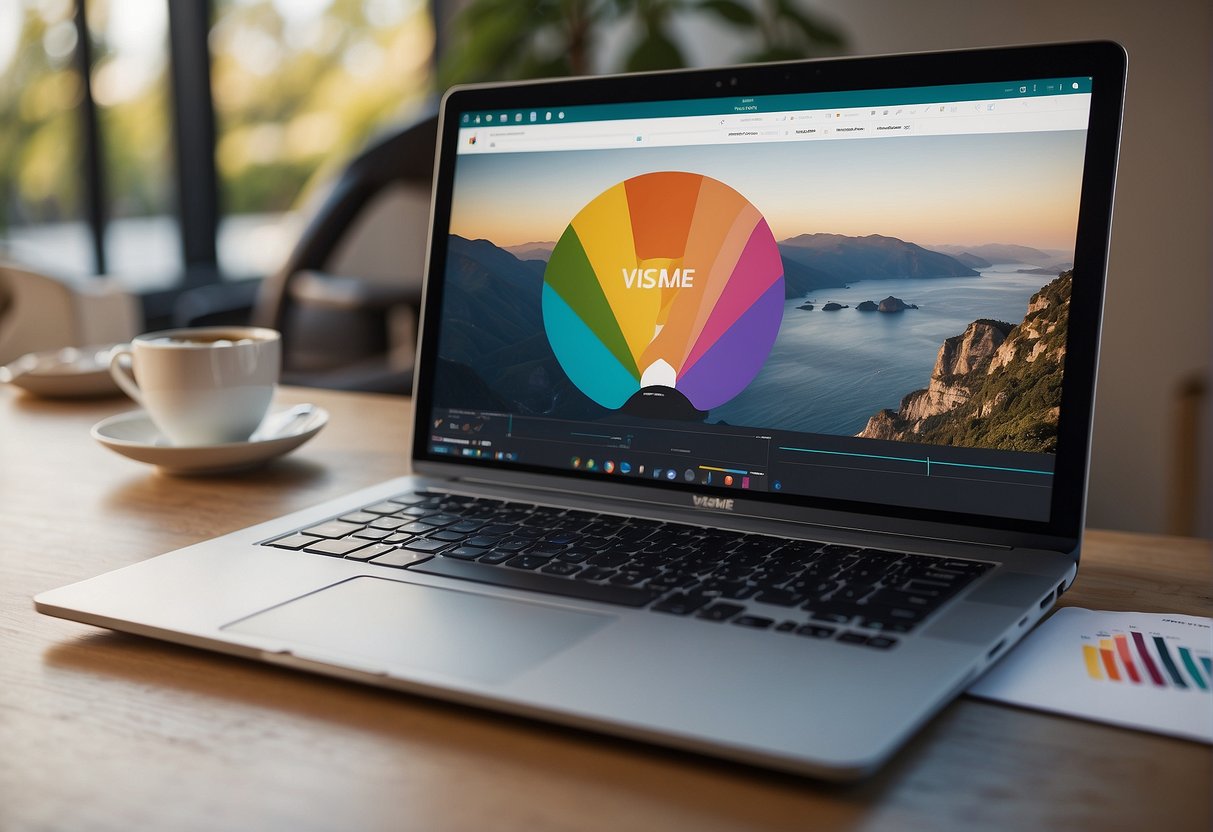
Among its diverse functionalities, Visme offers an extensive library of templates and assets, as well as advanced features for customization and interactivity.
Whether for educational purposes, business presentations, or social media marketing, Visme provides the tools necessary for a seamless design process.
Users can draw upon assets such as stock photos and vector icons, and utilize Visme’s analytics tools to gain insights into their content’s performance.
Key Takeaways
- Visme enables the creation of a wide array of visual content with simplicity and power.
- The platform caters to users of varying skill levels with a rich library of customizable templates and assets.
- Visme’s advanced features support interactivity, content management, and performance analytics.
Visme Overview
Visme emerges as a robust platform tailored for professionals and businesses focused on content creation. Its comprehensive service suite positions it as an essential tool for those seeking to craft compelling visuals and presentations.
What Is Visme
Visme is an all-in-one visual design tool that enables users to create presentations, infographics, social media graphics, and other visual content. It is designed to cater to non-designers who need professional-looking visuals as well as seasoned designers looking for a streamlined creative process.
Visme’s Mission
The mission of Visme is to empower individuals and teams to communicate visually. By providing users with a wide selection of templates and design assets, Visme strives to make professional-grade design accessible and achievable.
Visme for Teams
Visme facilitates team collaboration with features that allow real-time editing and sharing of projects. This makes it particularly beneficial for teams within businesses to maintain consistency and efficiency in content creation.
The platform’s collaborative nature is engineered to enhance productivity and unify the design process across various team functions.
Getting Started with Visme
Visme is a comprehensive tool that enables users to create various types of visual content online. It offers a range of plans to cater to different user needs, from individuals to large businesses.
Signing Up
To begin using Visme, one must first sign up for an account. This process involves providing an email address and creating a password.
Upon completing the registration, users are directed to the Visme dashboard where they can start a new project.
Choosing a Plan
Visme presents multiple plan options:
-
Free Plan: Ideal for individuals starting out, this plan allows users to explore basic features with limitations.
-
Starter Plan: Geared towards regular users seeking more functionality and fewer restrictions than the free plan.
-
Pro Plan: Designed for professionals who need advanced capabilities, such as more templates and analytics.
-
Enterprise Plan: This plan caters to organizations requiring full-service collaboration, security, and control over their brand assets.
Each plan is structured to meet the specific requirements of users at varying levels of expertise and organizational needs.
Visme Design Tools

Visme provides a suite of design tools that empower users to create professional and visually appealing content with ease. These tools are accessible to users of all skill levels—a testament to the platform’s versatility and capability.
Creating Content
When it comes to content creation, Visme stands out with its all-in-one visual design tools.
Users have access to a wide array of assets, ranging from icons to photos, shapes, and fonts. The platform’s AI designer also assists in streamlining the design experience. It enables both novices and seasoned designers to translate ideas into compelling designs.
Using Templates
Visme offers a comprehensive library of professionally designed templates that serve as a starting point for various content types.
Whether one is creating presentations, infographics, or social media graphics, these templates provide a cohesive and aesthetically pleasing framework that users can customize to match their unique brand or style.
Drag-and-Drop Interface
The platform’s intuitive drag-and-drop interface allows for quick and effortless customization.
With this feature, users can easily place and adjust elements within their projects, making the design process more efficient.
The drag-and-drop capability ensures that Visme remains a user-friendly solution for creating polished, design-forward content.
Visme Functionality
Visme offers a suite of features designed to enhance productivity and collaboration within teams. It caters to a range of users, from individuals to large enterprises, by facilitating easy sharing and editing of visual content.
Collaboration Features
Visme promotes efficient teamwork by allowing multiple users to collaborate on projects.
Team members can work together in real time, with features that enable users to share and edit projects simultaneously.
IT provides roles and permission settings to ensure a controlled collaboration environment. Users can comment directly on designs, giving targeted feedback that can be immediately acted upon.
Integrations and Extensions
Enhancing Visme’s core capabilities, integrations and extensions play a key role.
The platform supports a variety of external tools and services to streamline workflows across different departments.
Users can harness these integrations to import data, augment their designs with advanced features, or connect to other platforms for extended support and functionality.
Content Types and Editing
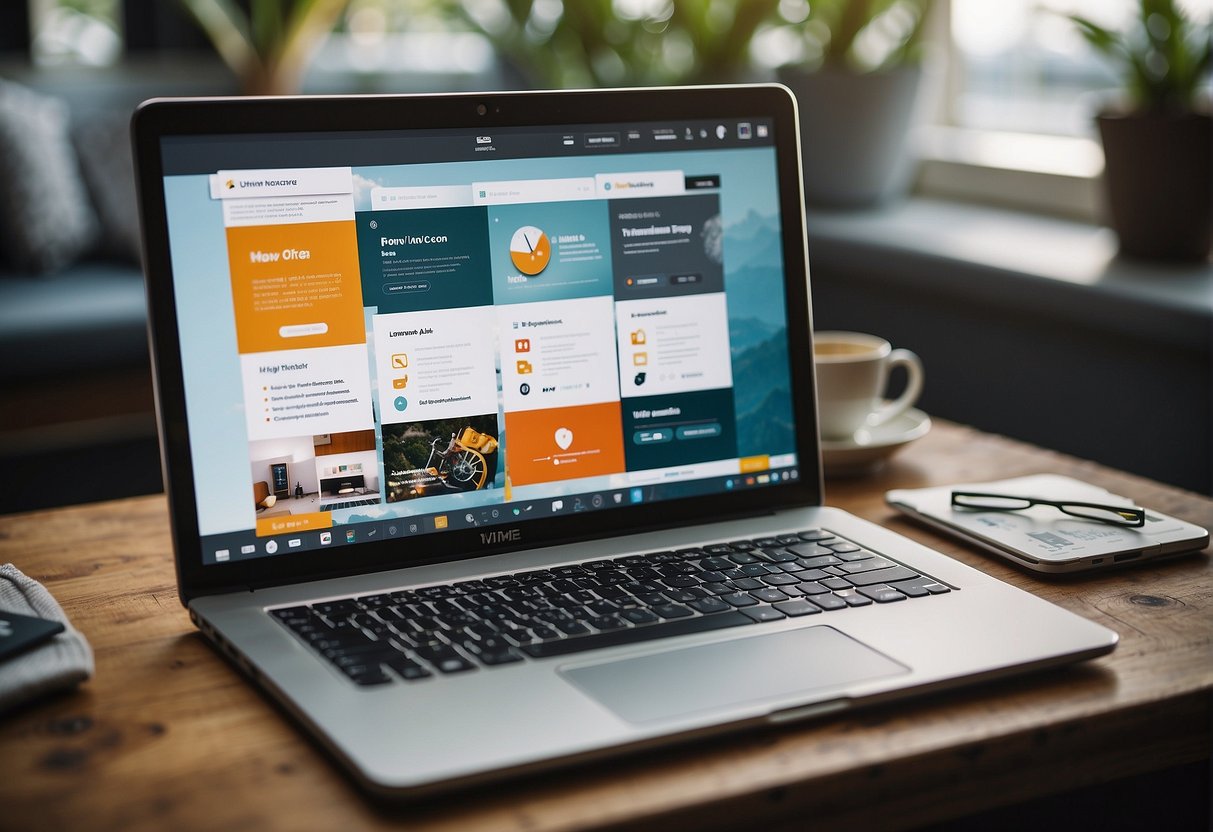
Visme empowers users with the tools to create a wide array of visual content, from dynamic infographics and presentations to engaging videos. The platform offers versatility in editing options, ensuring that users can tailor their projects to their specific needs with ease.
Designing Infographics
When creating infographics with Visme, users benefit from a multitude of customizable templates that serve as a starting point for their designs.
Individuals can incorporate a variety of charts and graphs to represent data visually.
The importing and editing capabilities allow for precise adjustments to elements. This leads to professionally designed infographics that can be downloaded in various formats, including PDF.
Crafting Presentations
Presentations created in Visme stand out due to their interactivity and aesthetic appeal.
Users can select from an extensive library of templates tailored to over 50 content types.
Graphics and charts can be added and adjusted with simple drag-and-drop tools for a customized look.
These presentations can be enhanced further with Visme’s advanced animation features. Upon completion, they are ready for publishing and sharing across multiple platforms.
Editing and Publishing Videos
Visme’s video maker offers an easy-to-use editing environment, catering to users with different skill levels.
Its video editing toolkit provides drag-and-drop functionality to place royalty-free stock videos and animated assets into the timeline.
With these resources at hand, tailored videos come to life and support branding needs using the integrated Visme Brand Kit.
Once videos are finalized, users can publish their creations directly from the platform, streamlining the content creation process.
Visme Resource Library
The Visme Resource Library provides a sophisticated platform for users to access a broad range of visual assets, including images, icons, and graphs.
Integral to asset management within Visme, the library aids users in creating visually appealing content efficiently.
Images and Icons
Visme’s extensive selection of high-quality images and icons enhances any presentation or graphic design project.
Users can tap into a vast collection that includes stock photos, vector images, and diverse icons to convey their message.
The integrated search feature within the Slide Library in Visme allows for efficient retrieval of assets using multiple keyword searches, ensuring that users find the exact visual they need.
- Images: Stock photos, vector graphics, thematic collections
- Icons: Various styles (flat, line, solid), categorically organized
Asset Management
Asset management in Visme is streamlined to maximize productivity and ease of use.
Users can store universally applicable slides such as pricing tables or contact information, which are reusable across various presentations. This system saves time and maintains consistency.
Additionally, Visme offers tools for graphs and data visualization.
These tools enable users to turn numbers into compelling visual stories with just a few clicks.
Users have the capability to maintain their brand consistency throughout their designs by utilizing the asset library to standardize elements like logos and color schemes.
Managing these assets within Visme’s platform simplifies the design process and ensures a professional, cohesive look across all created materials.
Advanced Features

Visme’s advanced features provide users with powerful tools for creating detailed and interactive data visualizations as well as dynamic, engaging content. These capabilities are designed to meet the needs of both teams working collaboratively and individuals seeking advanced customization options.
Data Visualization
With Visme, users can transform their data into compelling visual stories. The software supports a broad range of interactive charts, enabling one to represent complex data succinctly.
Users can tailor their data presentations using customizable chart types, from basic line and bar graphs to intricate scatter plots and radial charts. The platform integrates seamlessly with analytics services, facilitating real-time data updates and insightful visual reporting.
- Types of Visualizations:
- Line charts
- Bar graphs
- Pie charts
- Scatter plots
- Radial charts
- Customization Options:
- Color schemes
- Font styles
- Interactive elements like tooltips
Interactive Content Creation
For those seeking to create more dynamic, interactive content, Visme enables the addition of animations and links within presentations.
Elements such as shapes, images, and text boxes can be made interactive with the inclusion of motion effects or hyperlinks that enhance the viewer’s experience.
The platform takes interactive content a step further by allowing for the integration of quizzes, surveys, and interactive charts which actively engage the audience and can lead to higher retention and conversion rates.
- Animation Features: Click here to learn more about animation in Visme.
- Engagement Tools:
- Quizzes
- Surveys
- Call-to-action buttons
Visme Output and Sharing
Visme provides users with robust tools for producing and distributing visual content online. The platform allows for various output options tailored to different needs, including high-quality downloads and secure sharing functionalities.
Downloading and Exporting
Users can download their Visme projects in multiple formats such as PNG, JPG, and PDF, ensuring versatility for both web and print use.
For detailed imagery, a PNG offers a high resolution with a transparent background, while JPG files are suitable for quick sharing due to their smaller size.
Additionally, users can save their projects as PDFs, which are ideal for printing. Download options vary depending on the intended use, giving users the flexibility to choose the best format for their needs.
Online Sharing and Privacy
Visme emphasizes user control over content privacy.
Projects can be kept private, password protected, or made publicly accessible based on user discretion.
For sharing, Visme offers a simple process where creators can embed their content on websites or share directly to social media platforms.
Users have privacy controls to manage who can view or comment on their projects, ensuring their content remains exclusive or collaborative as intended.
Organizing and Managing Content

Visme equips users with robust tools to effectively manage their content and collaborate with teams. The platform streamlines the project workflow and ensures that retrieval and storage of files is both intuitive and secure.
Project and Team Management
Visme’s project management capabilities allow teams to work collaboratively and efficiently.
Team leaders can assign roles and set permissions, tailoring access to sensitive information.
The platform supports different plans suitable for various team sizes, ensuring a scalable solution for content creation.
With the workspace feature, one can easily organize projects into groups, facilitating a tidy and structured environment.
Content Storage and Retrieval
Content storage in Visme is designed for effortless retrieval and organization.
Users benefit from an asset management system that allows them to store and organize all files and designs, which can then be searched through an intuitive user interface.
For those who upgrade to a premium subscription, Visme offers advanced premium features like increased storage space, enabling users to maintain a comprehensive library of multimedia content.
Visme for Different Uses
Visme emerges as a versatile solution, adept at addressing various organizational needs from creating compelling marketing materials to streamlining human resources processes.
Marketing and Branding
Marketing professionals thrive on the ability to tell a brand’s story in a compelling way.
Visme provides them with a platform to create a vast range of social media content, including infographics, engaging posts, and branded videos.
This tool empowers marketers to maintain brand consistency across all marketing channels with its vast library of templates and the ability to customize content with brand colors, fonts, and logos.
- Key Features for Marketing:
- Customizable templates for social media, web, and print
- Rich library of graphics and images
- Tools for creating and editing videos and animations
Human Resources and Recruitment
For Human Resources and recruitment teams, Visme can be an indispensable tool for creating content that attracts top talent.
Recruitment visuals range from detailed job description infographics to engaging company culture videos that can be shared on various platforms.
With Visme, HR professionals can also craft internal training materials and presentations that inform and educate existing employees.
- Key Elements for HR & Recruitment:
- Easy-to-use templates for presentations and reports
- Options to embed forms and surveys for feedback
- Secure privacy settings for sensitive information
User Assistance and Support
Visme recognizes the importance of timely and efficient user support. It provides a comprehensive Help Center and responsive Customer Service to address user needs.
Help Center and Tutorials
The Help Center is a rich repository of information, offering detailed tutorials and resources to guide users through various functionalities of Visme.
Users can learn how to navigate the Visme dashboard, utilize design tools, and much more.
For direct instruction, the Help Center also offers a plethora of step-by-step guides and articles tailored to enable both novice and experienced users to maximize the platform’s capabilities.
Customer Service and Feedback
Visme’s Customer Service team is dedicated to providing user support 24/7.
Their assistance is accessible via email or live chat for quick resolution of issues.
Feedback is not only welcomed but encouraged, as it drives the platform’s continuous improvement.
Users with paid subscriptions can access live chat for immediate support, ensuring that any problem is addressed promptly. For more details or to contact the service team, users can visit the support page.
Security and Accessibility
In the realm of digital content creation, Visme prioritizes both security and accessibility. Here, Visme’s robust policies ensure users’ data remains secure while also providing accessible content creation tools.
Ensuring Data Security
Security Features:
- Password Protection: Visme allows creators to add an additional layer of security by setting passwords for their content, ensuring that only authorized individuals have access to sensitive information.
- Private Sharing: Users can share projects with specific people, controlling who views their data, thus maintaining privacy and security integrity.
Accessibility Options
Accessibility Tools:
- Templates: Visme offers templates designed for accessibility, allowing users to create content that is easier to consume for everyone, including people with disabilities.
- Customization: Creators have the flexibility to adjust visual elements such as colors and fonts to comply with various accessibility best practices, catering to a diverse audience.
Visme’s combination of secure sharing tools and accessibility options demonstrates their commitment to user experience and data integrity.
Customization and Personalization
Visme empowers its users with extensive customization and personalization options. These features are tailored to enhance brand presence and cater to individual user preferences, offering a unique experience on both desktop and laptop interfaces.
Custom Branding
Visme allows for comprehensive custom branding.
Users can integrate their own brand’s color schemes, font types, and logos directly into the platform. This ensures that all designs, whether for presentations, infographics or marketing materials, are consistent with the brand’s identity.
- Color Themes: Users can select or create a brand-specific color palette.
- Fonts: There is the ability to upload and use custom fonts.
- Logos: Users can add their company logo to a personal asset library for repeated use.
Brand consistency is maintained with ease, as all assets can be saved and reused across various projects.
Personalized User Experience
The platform provides a personalized user experience according to individual preferences and needs.
Each account can be configured to streamline the workflow for the user, saving time and increasing productivity.
- Templates: Users can create or modify templates for repeated use.
- Accessibility: Password protection ensures that personalization remains secure.
This personalization extends to mobile use, optimizing the user’s ability to work across different devices seamlessly. Visme’s intuitive interface adapts to the user’s habit, simplifying the creation process while on the go.
Performance and Analytics
Visme provides a robust analytics tool that allows users to track and measure the performance of their visual content.
Users can access an overview of their project’s data right from their Visme Dashboard by selecting the “Data” tab.
For more in-depth analytics, users can click on the Analytics button in the Visme editor for each project.
This feature presents a summary that includes various performance metrics.
Users can track traffic and statistics such as page views, visitor location, and engagement times.
Creating a performance dashboard is straightforward with Visme.
An infinite whiteboard feature allows the user to choose between using a template or creating one from scratch.
The tool enables tracking essential Key Performance Indicators (KPIs) and analytics which can be critical for gauging success.
Users can use a performance dashboard to get a visual representation of various metrics that reflect the performance of their projects.
For those utilizing Visme Forms, performance is also measurable.
The platform’s analytics can capture real-time data on form interactions and conversion rates, which helps in understanding and optimizing user engagement.
Lastly, the Visme platform offers templates for web analytics reports, making it easier for users to create presentations that convey their website’s performance effectively.
These templates feature elements such as charts and icons to visualize data clearly.
Working with External Media
Incorporating external media into Visme projects enhances the interactivity and appeal of visual content.
Users can integrate various types of media, including YouTube videos and social media content, to create a more engaging experience.
Embedding External Content
Embedding YouTube Videos: Users can amplify their Visme projects by embedding YouTube videos directly into their designs.
This process involves clicking the ‘Embed Online Content’ option and pasting the video’s embed code, providing viewers with rich media that complements the project’s narrative.
- Social Media Content Incorporation: In addition to videos, embedding social media content is crucial for projects that require dynamic updates.
- By selecting ‘Link to Social Media’, one can insert live feeds and posts from platforms like Facebook or Twitter. This keeps the content fresh and relevant.
Managing Embedded Media
Tracking and Updates: Management of embedded media in Visme requires users to regularly revise and ensure their linked content is up-to-date.
It involves verifying that external content sources remain active and that any updates on those platforms reflect in the Visme project.
- Interactivity and Analytics: Once media is embedded, it’s crucial to monitor how viewers interact with it.
- Visme offers options to track engagement, giving insight into viewer behavior and the effectiveness of the embedded content.
Frequently Asked Questions
This section provides clear and direct answers to some of the most common inquiries regarding the use of Visme.
How can I log in to Visme?
Users can log in to Visme by visiting the Visme login page and entering their credentials, which typically include an email address and a password.
Does Visme offer artificial intelligence features for design?
Visme incorporates AI features to streamline design processes, though specific details on AI capabilities should be explored through their official support channels.
What are the steps to download a project from Visme?
To download a project, one must open the project within Visme, click on the ‘Download’ button, select the desired format, and then download it.
The process is outlined in Visme’s support documentation.
What animation capabilities does Visme provide?
Visme offers a range of animation features that allow users to animate text, images, and other elements within their projects to create dynamic presentations and infographics.
Is there a mobile app available for Visme users?
There is currently no specific mobile app mentioned for Visme, indicating that users may primarily access Visme through a web browser.
Can I use Visme templates at no cost?
Visme offers a selection of free templates. However, some premium templates require a subscription.