How to Create QR Codes Using AI: Efficient Generation Techniques
QR codes have been around for a while, simplifying interactions, transactions, and information exchange. These scannable, two-dimensional barcodes offer a better and versatile way of storing data to encode URLs, text, or contact details. However, traditional QR codes may sometimes lack the aesthetic appeal that can capture users’ attention.
Enter AI-generated QR codes. Nowadays, artificial intelligence (AI) has been integrated with QR code technology to create visually appealing and customizable codes. AI-generated QR codes can enhance user experience and increase scanning rates, making them attractive for both personal and business use. By understanding the role of AI in QR code creation, you can leverage this technology to create unique and engaging QR codes that stand out.
Key Takeaways
- AI-generated QR codes improve visual appeal and scan rates
- Customization options enhance user experience for personal and business use
- Understanding AI’s role helps in creating unique, attention-grabbing QR codes
Understanding QR Codes
QR codes, or Quick Response codes, are two-dimensional barcodes that can be easily scanned using a smartphone camera. These codes store data in both horizontal and vertical dimensions, allowing them to hold more information compared to traditional barcodes.
When you scan a QR code with your smartphone, it quickly decodes the image and leads you to a website, text, or other digital content. The use of these codes has grown exponentially over the years due to their convenience and ease of use.
QR codes can have varying levels of resolution, depending on the size and amount of information they contain. However, it’s essential to keep the resolution high enough to ensure easy scanning with a smartphone camera. Generally, the higher the resolution of the QR code, the more data it can store.
One crucial aspect of QR codes is their error correction capability. Error correction is a technique that helps QR codes remain scannable even if they’re partially damaged or obscured. There are four levels of error correction in QR codes:
- Level L (Low): Provides approximately 7% capacity for error correction
- Level M (Medium): Provides approximately 15% capacity for error correction
- Level Q (Quartile): Provides approximately 25% capacity for error correction
- Level H (High): Provides approximately 30% capacity for error correction
Higher error correction levels offer more robust scanning but require larger QR codes to accommodate the additional data. It’s essential to strike a balance between the size of your QR code and an appropriate level of error correction, depending on its intended use.
To create an attractive QR code using AI, you’ll need specialized software or services, such as QR Diffusion. With the help of AI, you can customize your QR codes, making them visually appealing and even incorporating them into your brand’s design elements.
The Role of AI in Creating QR Codes
AI plays a crucial role in generating creative and visually appealing QR codes. By using advanced algorithms and techniques such as generative AI, AI-driven QR code generators transform traditional QR codes into eye-catching designs, while maintaining their functionality. In this section, you will learn about the role AI plays in creating QR codes and the main benefits it offers.
In recent years, multiple AI-driven QR code generators have emerged, enabling you to easily create attractive QR codes. One such method is called Pro, which utilizes img2img algorithms to create visually striking QR codes. Another technique known as stable diffusion leverages AI’s capabilities to generate unique designs that blend seamlessly with the original QR code structure. By combining these methods, AI-generated QR codes not only attract more scans but also enable businesses to create a memorable brand identity.
A key advantage of using AI in QR code generation is the ability to automate various aspects of the process. For example, AI can intelligently extract information from the dataset, reduce scanning errors, and provide personalized experiences for users. Furthermore, AI integration enhances the security measures of QR codes, creating a safer and more secure method for sharing digital information.
Here are some benefits you can expect when using AI-generated QR codes:
- Enhanced design: AI allows for the creation of visually appealing and unique QR codes that stand out from traditional black and white designs.
- Improved scanning accuracy: AI-driven QR codes experience fewer errors and are more accurate in their scanning process, providing a better user experience.
- Personalization: AI enables the creation of tailored QR code experiences that are more engaging for users.
- Security: The incorporation of AI in QR code generation can lead to increased security measures, making it difficult for malicious actors to tamper with or recreate the codes.
To create AI-generated QR codes, you can explore various generators available online such as OpenArt.ai and others mentioned in the search results. Experiment with different generators and techniques to find the best fit for your unique needs, and harness the power of AI to elevate your QR code usage.
Getting Started
Creating QR codes using AI is a simple and efficient process. First, choose a free QR code generator that incorporates AI technology, such as OpenArt.ai or ImagineQr. These generators offer an array of customizable options, making it easy for you to create unique and visually appealing QR codes.
To begin, navigate to the chosen generator’s website and locate their user-friendly interface. You will need a URL to embed in your QR code, so have that ready beforehand. Some generators offer pre-designed templates that can be easily customized to match your branding or design preferences. Feel free to explore these templates to find one that suits your needs.
Here are the basic steps to create an AI-generated QR code:
- Data input: Provide the URL or other information you want to store in the QR code.
- Select a template: Choose from the available templates or start with a blank canvas.
- Customize: Adjust colors, insert images, or add text to personalize your QR code.
- Preview: Preview the design before generating the final QR code.
- Download: Save the QR code image file to your device for future use.
As you follow these steps, take advantage of the generator’s AI features for improved aesthetics and functionality. AI-powered QR code generators automatically enhance your design, ensuring optimal readability by scanning devices. Don’t hesitate to experiment with different customization options until you achieve your desired result.
Remember that creating QR codes with AI is a straightforward process, as long as you choose a reliable and easy-to-use generator. With the right tools and some creativity, you can create attractive, AI-enhanced QR codes for various applications and purposes.
Customizing QR Codes with AI
Creating QR codes using AI allows you to add a unique touch to your brand campaigns and generate personalized offers for your audience. This technology provides you with various templates and customization options to create eye-catching QR codes that resonate with your branding.
When using an AI-powered QR code generator like OpenArt or ImagineQr, you can easily transform a standard QR code into an attractive, artistic design. These tools offer a user-friendly interface, allowing you to choose between different design elements, customize colors, and adjust the contrast for optimal readability.
Here’s a simple process to customize your QR code with AI:
- Visit an AI QR code generator website
- Upload your destination URL and an image to embed in the QR code
- Choose from a variety of templates and design options
- Customize the colors and elements to match your brand identity
- Adjust the contrast for better readability
- Preview your design and make any necessary refinements
- Download your artistic QR code for use in your campaigns or promotions
Remember to select colors and backgrounds that are consistent with your brand and have sufficient contrast to ensure the QR code remains scannable. Poor contrast can lead to readability issues, negatively impacting the effectiveness of your campaign.
In summary, customizing QR codes with AI supports your branding efforts, creates memorable experiences for users, and enhances the overall impact of your marketing campaigns. By following the steps above, you can confidently create visually appealing, AI-powered QR codes that effectively communicate your message and drive user engagement.
AI QR Codes for Business
Utilizing AI for QR code creation can greatly improve your business’s marketing efforts. By incorporating visually appealing and dynamic QR codes into various promotional materials, you can enhance user engagement and increase overall effectiveness.
One key application for AI-generated QR codes is on business cards. Including a custom QR code on your card allows potential clients to quickly access your website, contact information, or social media pages. ImagineQr is an excellent platform for creating stunning and fully customizable AI QR codes that represent your brand identity.
Product packaging is another area where AI QR codes can stand out. Integrating a visually appealing QR code into your packaging design can drive customers to your website, provide additional product information, and even offer promotional codes or discounts. Customers appreciate the convenience these codes offer, and integrating AI into the creation process ensures they are attractive and accurate.
Many companies utilize AI-generated QR codes in their advertising campaigns. Traditional QR codes might be overlooked, but attention-grabbing designs have a higher chance of engaging users and increasing conversion rates. Platforms like QR Diffusion make it simple to generate AI-powered QR codes that capture your audience’s attention.
Here are some other ways businesses can leverage AI QR codes for marketing purposes:
- Posters and print ads
- Event signage
- Social media profiles
- Email signatures
Remember, the key to maximizing the impact of your AI QR codes is to create designs that embody your brand and resonate with your target audience. By integrating these visually enticing codes into various marketing materials, you can elevate your business’s promotional efforts and reach new customers.
AI QR Codes for Personal Use
Creating personalized QR codes using AI can be an effective way to open up new possibilities for individuals and businesses alike. By incorporating your own design elements, you can make your QR codes stand out and better represent your personal brand or message.
AI QR code generators like ImagineQR and OpenArt.ai allow you to design unique and attractive QR codes using your own images, making it simple to create personalized codes. Whether you’re promoting a new product, providing contact information, or offering promotional deals, you’ll have full control over the final design.
For individuals, AI-generated QR codes offer a creative solution for personal contact cards and portfolios. You can link your social media accounts, email address, and personal website to make it easier for new acquaintances to connect with you. Adding a touch of your personal style can make an impactful impression on potential employers, clients, and friends.
For restaurant menus, AI-infused QR codes could replace traditional printed menus. Customers can simply scan the code and be directed to a digital version of the menu. This allows for easy updates, personalized promotions, and a touchless dining experience. In addition, you can add a personal touch to the menu by displaying your restaurant logo, theme, or special offers.
To create an AI-generated QR code, follow these steps:
- Choose an AI QR code generator website, such as QR-Art.xyz.
- Create a destination URL (e.g., your online portfolio, menu, or contact information).
- Choose an image or design you want to incorporate into your QR code. This can be your logo, a pattern, or an image that represents your brand.
- Upload the image and input the necessary details into the QR code generator.
- Customize the design further, if desired. Some generators even offer options to choose the size and color of the QR code.
- Download and use your personalized QR code!
In summary, using AI to create personalized QR codes opens up a world of possibilities for individuals, businesses, and restaurant menus. Take advantage of these powerful tools to make your QR codes more engaging and visually appealing.
Best Practices and Considerations
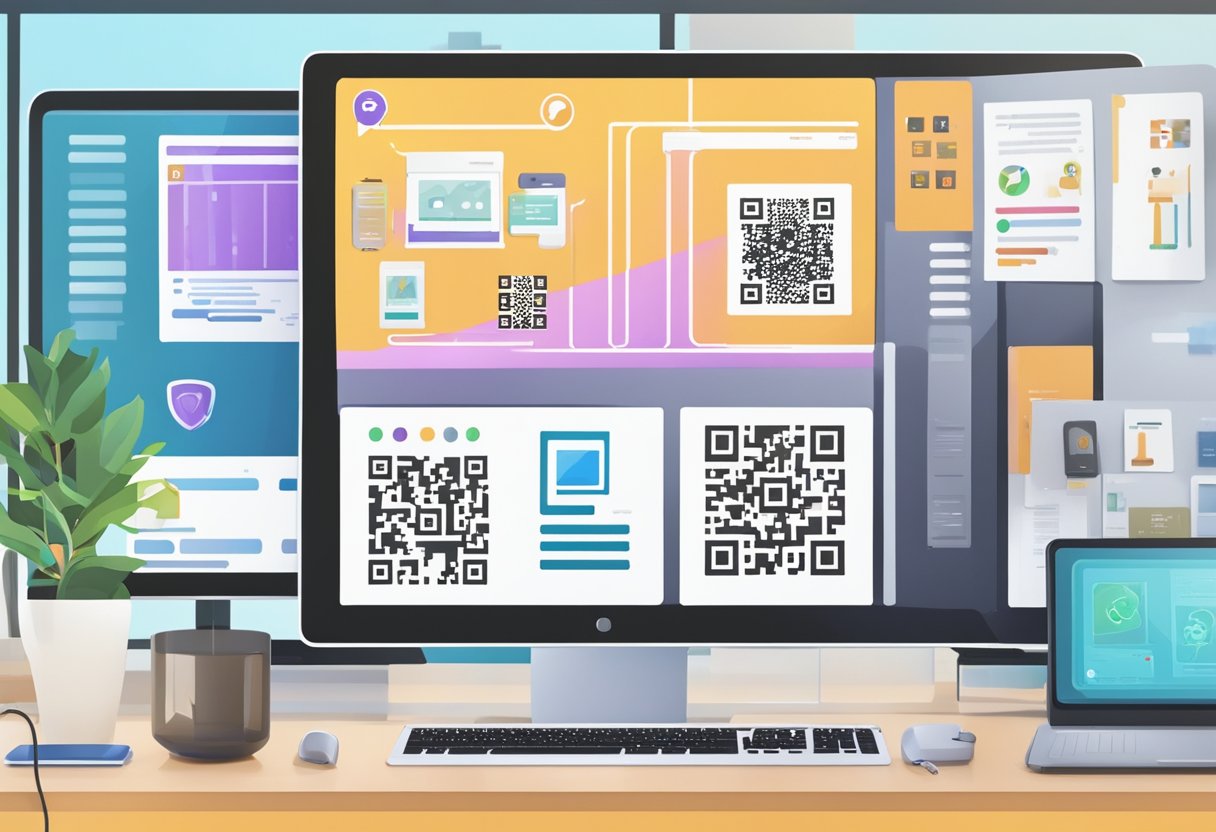
When creating QR codes using AI, it’s essential to follow some best practices to make the most of this technology. This helps ensure that your QR codes are effective, easily readable, and visually appealing. Here are some best practices and considerations:
Choose the right QR code generator. Selecting a reliable QR code generator is crucial to creating a high-quality QR code. Make sure to use a generator that utilizes AI to improve the visual appearance of the QR code, and offers customization options.
Consider the error correction level. Error correction ensures that your QR code remains readable even when part of it is damaged or obscured. There are four error correction levels: low, medium, medium-high, and high. Generally, a higher error correction level will offer greater strength and reliability, but may increase the size of the QR code. Consider the environment where the QR code will be displayed and choose an appropriate level of error correction based on the potential for damage or obfuscation.
Balance design and readability. Customizing the design of your QR code can make it more attractive, but it’s important to maintain readability. Ensure that the contrast between the QR code and its background is sufficient, and avoid using colors that may make it difficult to scan. When integrating an image into the QR code, select a generator that uses AI to optimize the placement of the image without compromising the code’s readability.
Size matters. The size of your QR code should be large enough to be easily scanned from a reasonable distance. If you expect your prompt to be viewed from afar or in challenging environments, you may need to adjust the size accordingly. A good rule of thumb is to aim for a minimum size of 1 inch (2.54 cm) by 1 inch.
Test your QR code. Before deploying your QR code, verify that it works correctly and is easily readable. Test your code using various devices and QR code scanning apps to ensure its compatibility and readability. You should also test for any negative prompt field scenarios caused by changes to the content or display conditions of the QR code.
By following these best practices and considerations, you can create effective and visually appealing QR codes that leverage the power of AI. Keep in mind that the technology continues to evolve, so stay informed and be prepared to adapt your approach as necessary.
AI Powered QR Code Solutions
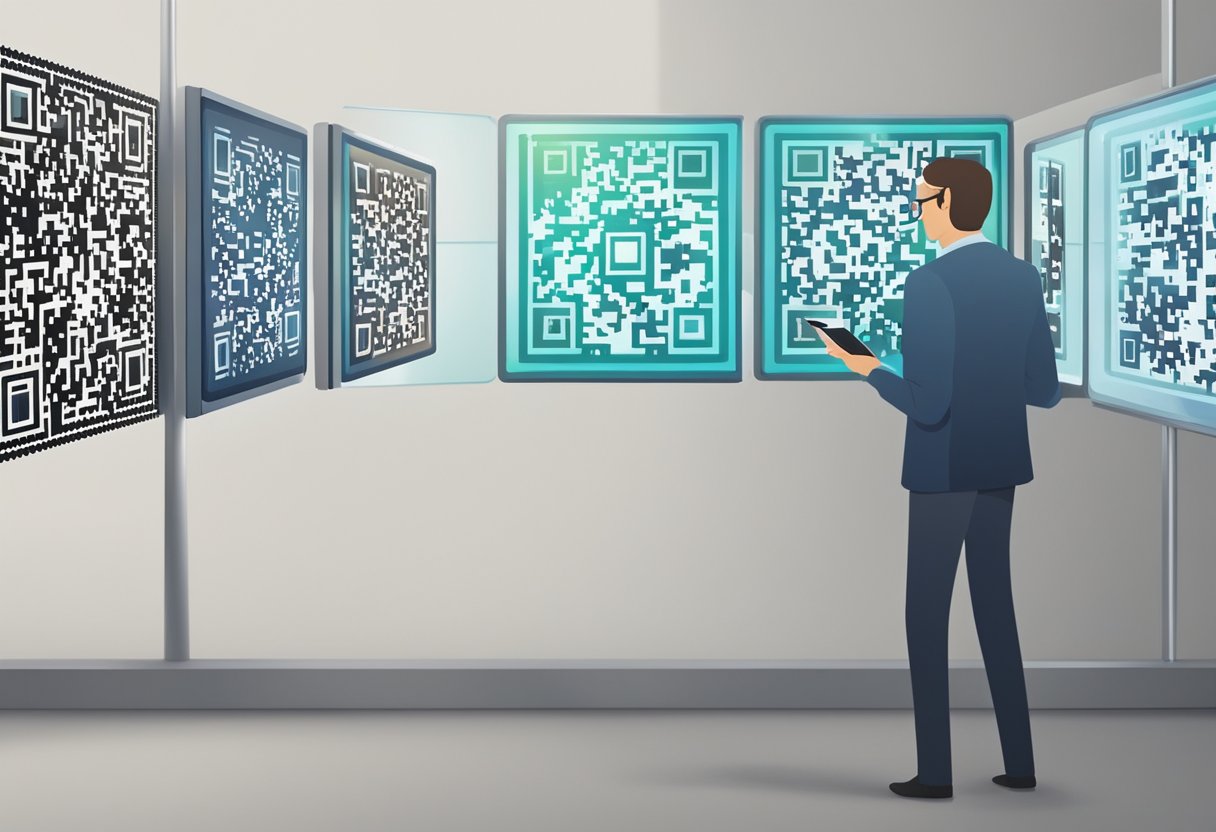
With the advancement of technology, creating QR codes has become easier and more efficient due to AI-powered solutions. There are several platforms available that can help you design striking QR codes with ease, such as ImagineQr, ControlNet, and Hugging Face. These platforms offer user-friendly interfaces and utilize AI algorithms to create QR codes that are visually appealing, increasing your text or URL’s engagement.
ImagineQr is an innovative platform that streamlines AI processes and takes user experience to the next level. The platform offers customizable options and intelligent design tools, allowing users to create dynamic QR codes. Simply enter the information you want to include in the QR code, such as a URL or text, and let the AI do the work.
ControlNet is another great solution for generating AI-based QR codes. This platform offers various templates and styling options, giving you the opportunity to create a unique and eye-catching QR code. ControlNet also allows you to track the performance of your generated QR codes, providing valuable insights into user engagement and effectiveness.
Finally, Hugging Face is a platform known for its cutting-edge AI technology. Though primarily focused on natural language processing, Hugging Face has developed a solution for generating QR codes that incorporate AI-powered images. By utilizing their AI tools, you can create QR codes that not only have advanced functionality but also a visually appealing appearance.
In summary, AI-powered QR code solutions like ImagineQr, ControlNet, and Hugging Face are transforming the way businesses and individuals leverage QR codes. By taking advantage of these platforms, you can create visually stunning and highly effective QR codes for your personal or professional use.
Feedback and Pricing
Creating AI-based QR codes is a straightforward process that begins with visiting the Create page. Here, you’ll enter the necessary information, such as the website URL you want the QR code to redirect to. To ensure the best results, make sure to use the correct prompts when entering your data.
To make the QR code creation process more enjoyable and effective, companies often provide dedicated FAQ sections and encourage user feedback. This allows you to gain a better understanding of the service and ensures the company can continuously improve its offerings.
When it comes to pricing, different platforms offer various plans to accommodate a wide range of budgets and requirements. For instance, Qreative AI provides multiple pricing tiers perfect for solo professionals, small businesses, and large corporations. It is highly recommended to carefully review and compare the pricing options available to find the best fit for your needs.
As you create your AI-generated QR code and explore different platforms, don’t hesitate to consult their FAQ sections or provide feedback on your experience. This will not only improve your understanding of the process, but also contribute to the ongoing development of innovative AI-based QR code solutions. Remember, choosing the right pricing plan is essential to access the features that best suit your goals.
FAQs
How can AI be incorporated in QR code generation?
AI can be incorporated in QR code generation by using algorithms to generate unique and visually appealing QR codes. It can analyze user inputs, create personalized designs, and even blend images with QR code patterns. By implementing AI in the generation process, the possibilities for innovative and engaging QR code designs become virtually limitless.
What are some AI-based QR code generator tools?
There are several AI-based QR code generator tools available online, such as ImagineQr and QR Diffusion. These platforms use artificial intelligence to create stunning and customizable QR codes, offering enhanced features and creative designs over traditional QR code generators.
How does AI assist in automating the QR code creation process?
AI assists in automating the QR code creation process by analyzing the provided data, such as text prompts or images, and generating a unique QR code based on that input. Advanced algorithms can be employed to blend QR codes with artworks, or interpret the style or theme of user-provided images. This results in a streamlined, efficient manner of generating QR codes with minimal human intervention.
Can AI enhance QR code designs, such as integrating artworks?
Yes, AI can enhance QR code designs by integrating artworks and other visual elements. AI-powered generators can take user inputs like text prompts or images, and create customized QR codes that blend seamlessly with the artwork. This adds a layer of visual appeal and personalization, making the QR codes more engaging and eye-catching.
How does Hugging Face QR code integrate with AI?
Though there isn’t a specific Hugging Face QR code generator, Hugging Face is a well-known AI company that hosts generative pre-trained models, like OpenAI’s GPT-3. Such models can potentially be used to create AI-integrated QR code generators, enhancing the capabilities and versatility of QR code creation tools by incorporating cutting-edge AI technologies.
What unique features do AI-powered QR code generators offer?
AI-powered QR code generators offer unique features, such as personalized designs, creative artwork integration, and enhanced customization options. They can analyze user data collected from interactions and create meaningful connections between businesses and their customers. In addition, these generators can improve user engagement and satisfaction by offering visually appealing and highly functional QR codes that cater to specific needs and preferences.